

AI can help a marketing team draft email copy, find useful send times, build automated sequences, and personalize campaigns. It can also create new problems when teams trust generated content without checking consent, accuracy, or brand voice.
This guide compares the best AI email marketing tools for US e-commerce companies, small businesses, agencies, and larger marketing teams. It focuses on practical automation, natural language generation, subject line testing, integrations, pricing structure, and deliverability controls.
Start with the comparison
Use the table below to narrow the list before reviewing features, costs, integrations, and limitations.
Top 3 AI Email Marketing Tools: Quick Comparison
The table identifies three leading options for different use cases. Pricing and feature access can change by contact volume, message volume, billing cycle, region, and plan. Confirm current terms on each vendor’s official pricing page before purchasing.
| Platform | Best use case | AI capabilities | Predictive send-time optimization | Automated sequence generation | CRM integrations | Key e-commerce integrations | Monthly pricing tiers for US businesses | Free plan or trial | Main limitation |
| Klaviyo | E-commerce personalization and lifecycle email | AI-assisted content, recommendations, segmentation, and campaign support vary by plan | Available features depend on account setup and plan | Strong flow-building tools; AI assistance may vary | Common CRM and customer-data connections; verify native versus third-party access | Broad store, catalog, product, and event-data support | Free entry tier may be available; paid cost scales with contacts and sending | Check current free allowance and trial terms | Can become expensive as contact volume grows |
| HubSpot Marketing Hub | CRM-connected marketing automation | AI-assisted content, workflows, reporting, and personalization vary by subscription | Confirm availability in the selected Marketing Hub tier | Workflow and campaign support; automation depth depends on plan | Native HubSpot CRM connection with broader integration options | Available through native and connected applications; verify required objects and events | Free tools and paid tiers are available; total cost depends on seats, contacts, and features | Free tools are available; paid trial terms may vary | Advanced automation can require a higher-cost tier |
| Mailchimp | Accessible campaigns for small businesses | AI-assisted campaign and content features vary by plan and account | Verify current plan availability | Customer journeys and templates support basic to advanced automation by tier | Integrations are available, but depth varies by connector | Store and commerce connections depend on platform and setup | Free plan and paid contact-based tiers may be available; verify current limits | Free plan availability and limits should be checked before signup | Advanced features and larger audiences can increase price quickly |
Pricing note: A low entry price does not always mean a low operating cost. Compare contact limits, marketing seats, AI credits, transactional sending, automation access, and annual versus monthly billing.
How We Evaluated the Best AI Email Marketing Tools
The evaluation framework is designed for a real buying decision rather than a feature-count contest. Each platform is reviewed against the tasks marketing teams perform every week.
AI and content
We look at natural language generation, email copy support, subject line assistance, personalization, and safeguards for generated content.
- Content generation controls
- Brand voice options
- Subject line testing
- Human review workflow
Automation and data
We assess customer journeys, event triggers, segmentation, predictive sending, CRM data, and e-commerce behavior.
- Welcome and nurture flows
- Abandoned-cart automation
- Behavior-based segments
- Real-time event support
Business fit
We consider usability, pricing logic, deliverability controls, analytics, integrations, support, and scale.
- Plan transparency
- Contact-based pricing
- Testing and reporting
- Small-business and enterprise fit

Klaviyo Review: Best for E-commerce Personalization
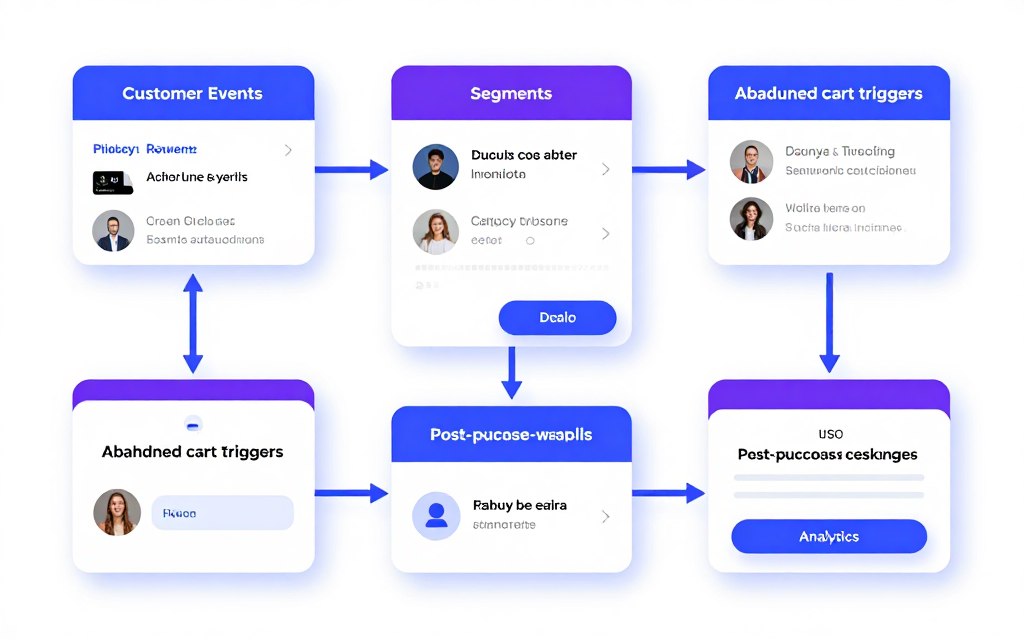
Klaviyo is built around customer and event data. It is a strong fit for online retailers that need product-aware email campaigns, behavioral segments, and automated lifecycle flows.
AI and automation features
The platform is most useful when a business has reliable customer events. Product views, purchases, cart activity, and engagement can support personalized email campaigns. AI-assisted tools may help with content generation, recommendations, segmentation, and campaign planning, but exact access depends on the account and plan.
Natural language generation and email copy
AI assistance can help marketers draft messages, adjust tone, and develop variations. Teams should provide product facts, approved claims, audience context, and brand voice rules before accepting generated email copy.
Subject line testing and send times
Subject line testing should be planned around a clear success metric, such as click rate or revenue per recipient. Predictive send times can be useful when enough engagement data exists. New accounts may need a period of consistent sending before predictions become meaningful.
Integrations and ideal customer profile
- Best for stores with meaningful first-party customer data.
- Useful for abandoned-cart, browse, post-purchase, and win-back flows.
- Suitable for e-commerce marketing teams that can manage segments and events.
- Less suitable for a very small list that only needs basic newsletters.
Pros
- Strong e-commerce orientation
- Detailed customer and event segmentation
- Useful lifecycle automation structure
- Good fit for product-aware personalization
Cons
- Costs can rise with contact growth
- Setup requires clean event data
- Advanced options may require specialist skills
Subscription pricing and verdict
Pricing is generally tied to contacts, sending volume, and selected features. Review the current US pricing page for free allowances, paid monthly tiers, AI access, and overage rules.
Verdict: Choose Klaviyo when e-commerce behavior and revenue-linked automation matter most. Do not choose it solely because it has AI features if your store data and tracking are not ready.
Evaluate Klaviyo for your store
Check current pricing, data requirements, and e-commerce integrations before importing your audience.
HubSpot Marketing Hub Review: Best for CRM Connectivity
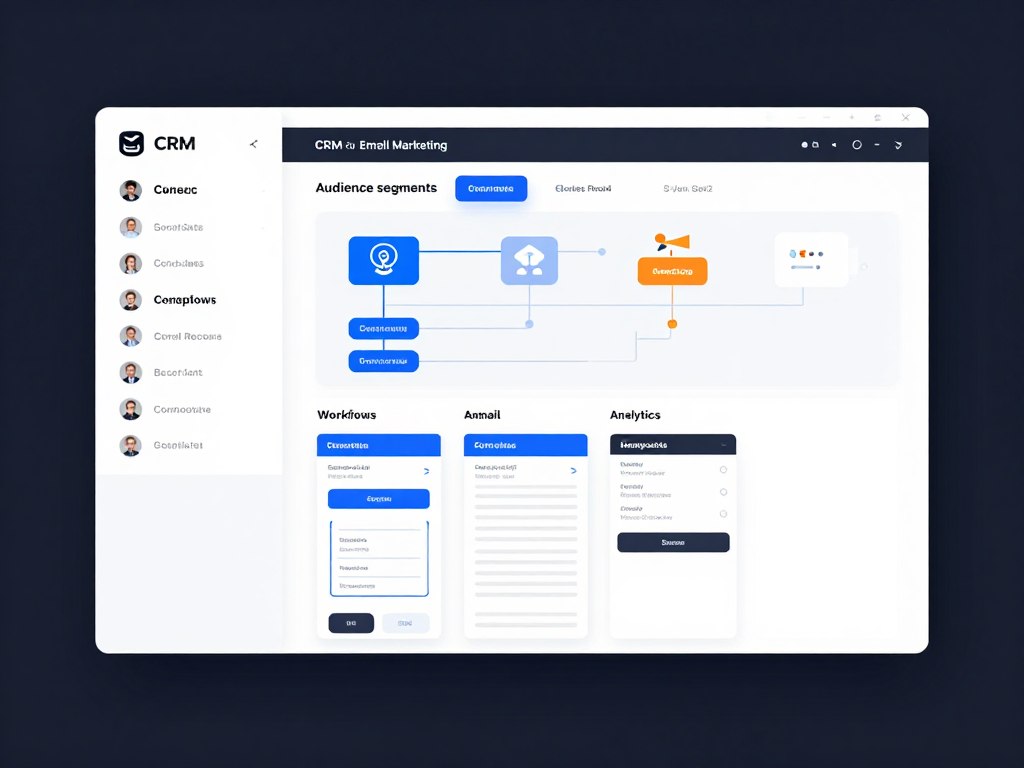
HubSpot is a strong option for companies that want email marketing, CRM data, sales activity, service records, and reporting in one connected system.
AI and automation features
HubSpot’s value comes from combining contact records with marketing workflows. AI-assisted features may support campaign planning, content generation, personalization, reporting, and workflow work. Availability depends on product family, subscription, user permissions, and account configuration.
Natural language generation and brand voice
Generated email copy should be reviewed against sales notes, product information, compliance requirements, and brand voice. CRM context can improve relevance, but outdated contact properties can also create inaccurate personalization.
Subject lines, testing, and predictive sending
Marketing teams can test subject lines, preview campaign performance, and use reporting to improve future sends. Confirm the selected tier before assuming that advanced testing or predictive sending is included.
Integrations and ideal customer profile
- Best for B2B companies with sales and marketing alignment needs.
- Useful when email activity must connect to CRM records and deal stages.
- Helpful for agencies managing structured lead-nurture programs.
- May be more system than a small company needs for basic newsletters.
Pros
- Strong CRM connection
- Broad workflow and reporting potential
- Useful for lead-nurture and sales coordination
- Good visibility across customer touchpoints
Cons
- Advanced automation can require a higher tier
- Total price depends on contacts and seats
- Implementation may require process design
Subscription pricing and verdict
HubSpot offers free tools and paid subscription levels. The final monthly price depends on contact volume, seats, marketing features, and billing cycle. Confirm whether the required automation, reporting, and AI features are included in the chosen tier.
Verdict: Choose HubSpot when CRM connectivity is a primary buying requirement. Consider a simpler platform if you only need newsletters and a few basic automation flows.
Review HubSpot for CRM-led marketing
Map your CRM fields, lifecycle stages, and required workflows before requesting a plan recommendation.
Mailchimp Review: Best for Accessible Campaign Creation
Mailchimp remains a familiar choice for small businesses, creators, and teams that want an approachable email platform with templates, audience tools, and campaign automation.
AI and automation features
Mailchimp can support campaign creation, templates, customer journeys, audience management, and reporting. AI capabilities and limits vary by plan and account. Teams should test the actual editor and automation features during evaluation rather than assuming that every AI function is available in the free plan.
Natural language generation and email copy
AI-generated email copy can speed up first drafts. The strongest workflow is to define the audience, offer, proof, exclusions, and tone before generating text. A human should check claims, links, product details, and accessibility.
Subject line testing and send times
Subject line testing works best when the audience is large enough to produce a useful comparison. Avoid testing several variables at once. Send-time recommendations should be treated as guidance, not a substitute for customer behavior data.
Integrations and ideal customer profile
- Best for small businesses beginning structured email marketing.
- Useful for newsletters, welcome flows, and simple customer journeys.
- Approachable for teams with limited technical resources.
- May be limiting for complex CRM or event-driven automation.
Pros
- Recognizable campaign workflow
- Accessible templates and content tools
- Suitable for small marketing teams
- Entry-level options may be available
Cons
- Plan limits can affect growing audiences
- Advanced automation may cost more
- Integration depth varies by connector
Subscription pricing and verdict
Mailchimp pricing typically varies by contacts, sending volume, features, and billing cycle. Confirm the current free plan, paid monthly tiers, audience limits, AI availability, and automation restrictions for the US market.
Verdict: Choose Mailchimp when ease of use and campaign accessibility are more important than highly complex customer journeys. Compare alternatives if contact-based pricing or advanced CRM data is central to your plan.
Test Mailchimp with a small audience
Build one welcome sequence and one newsletter before moving your full list.
ActiveCampaign Review: Best for Advanced Email Automation
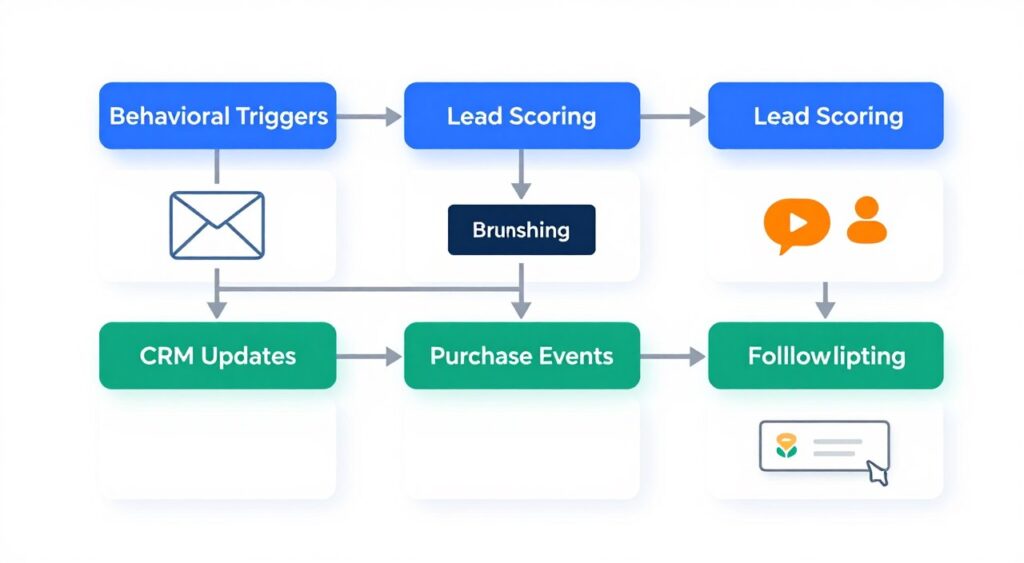
ActiveCampaign is designed for teams that need detailed automation, behavioral triggers, segmentation, and sales-oriented follow-up. It can support both marketing and customer engagement workflows.
AI and automation features
The platform is a fit for teams that want branching automation rather than only scheduled newsletters. AI-assisted content and campaign features may help users produce drafts and variations. Exact functionality depends on the plan and current product release.
Natural language generation and subject line testing
Generated email copy should reflect the recipient’s lifecycle stage. A product education message, sales follow-up, and win-back email should not use the same tone. Test subject lines with a defined audience and allow enough time for the result to stabilize.
Predictive sending and segmentation
Predictive send times are most useful when engagement history is consistent. Use suppression rules for recent purchasers, unsubscribed contacts, hard bounces, and people who have received too many messages.
Integrations and ideal customer profile
- Best for teams with multi-step lifecycle programs.
- Useful for lead nurturing, sales follow-up, and customer retention.
- Suitable for marketers who can design and maintain branching workflows.
- May be excessive for a low-volume newsletter program.
Pros
- Strong automation depth
- Useful branching and behavioral logic
- Good fit for lead-nurture programs
- Supports detailed segmentation plans
Cons
- Requires careful workflow governance
- Pricing depends on contacts and features
- Complex builds may need trained users
Subscription pricing and verdict
ActiveCampaign pricing depends on contact volume, selected features, and billing terms. Confirm current monthly plans, AI limits, CRM access, migration support, and automation features before signing a contract.
Verdict: Choose ActiveCampaign when automation depth is the main requirement. Choose a simpler tool if your team lacks the time to document, test, and maintain complex sequences.
Plan your first automation
List the triggers, delays, branches, and suppression rules before comparing plans.
Brevo Review: Best for Flexible Multichannel Outreach
Brevo can appeal to teams that want email marketing combined with other communication channels and transactional messaging. It is worth reviewing when sending volume matters as much as contact count.
AI and automation features
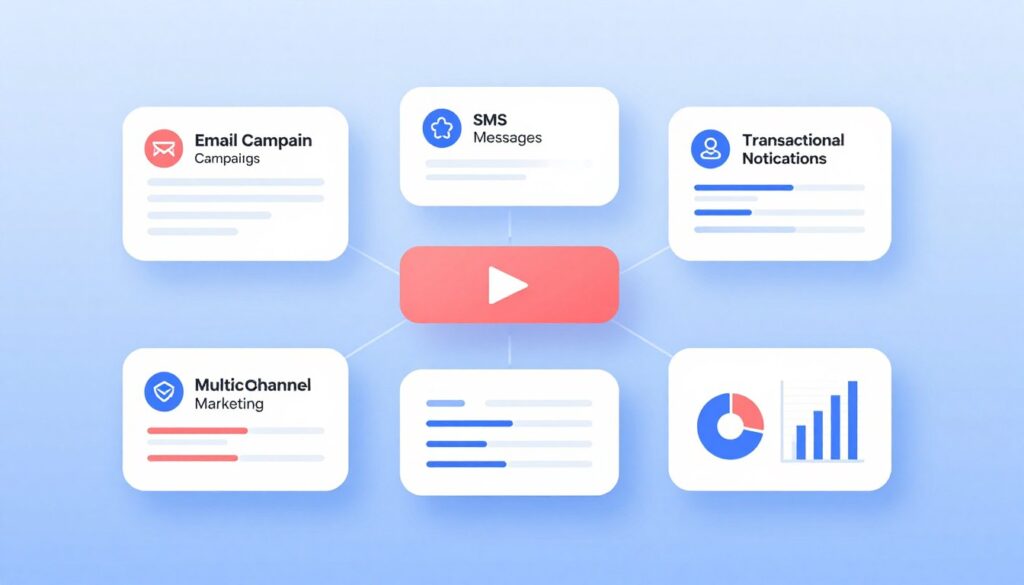
Brevo supports campaign management, automation, transactional communications, and contact organization. AI tools and advanced features may vary by plan. Separate promotional and transactional sending requirements should be documented before implementation.
Natural language generation and subject lines
AI can assist with drafts and variations, but teams must keep promotional claims accurate and easy to understand. Subject line testing should account for channel mix, audience consent, and the different expectations of transactional and promotional messages.
Integrations and ideal customer profile
- Best for businesses seeking email plus additional communication options.
- Useful for transactional and promotional email planning.
- Can suit teams that prefer sending-based cost analysis.
- May require careful configuration for complex CRM data models.
Pros
- Potentially flexible multichannel setup
- Useful transactional email considerations
- Suitable for small and growing businesses
- Can support automation and campaign workflows
Cons
- Feature access depends on plan
- Advanced integrations need validation
- Teams must separate message types carefully
Subscription pricing and verdict
Brevo pricing may be influenced by email volume, contacts, feature packages, and billing terms. Confirm current US pricing, free plan limits, automation access, transactional options, and AI capabilities.
Verdict: Choose Brevo when flexible communication channels and sending volume are important. Compare other platforms if e-commerce event data or deep CRM objects are your primary requirement.
Compare Brevo with your sending model
Estimate monthly promotional and transactional volume before comparing plans.
CTA Analysis: What Ranking Pages Signal About Search Intent
The supplied SERP records do not include the captured HTML content of the three ranking pages. As a result, their exact CTA wording and placement cannot be confirmed. A reliable competitor analysis should not label an unverified button as a fact.
ZoomInfo article
The URL indicates a marketing-focused article about AI email marketing tools. Its likely commercial purpose is to educate readers while creating interest in a business software or data solution. The likely audience includes B2B marketing and sales teams. The strongest matching CTA would be a demo, platform exploration, or request rather than an immediate purchase button.
Simular alternatives page
An alternatives page usually targets readers who are already comparing solutions. That is a hot or warm evaluation audience. A product trial, registration, comparison action, or direct product exploration CTA is more aligned than a generic educational download.
Snov.io roundup
A software roundup generally serves informational and commercial intent at the same time. Readers may be early-stage researchers, small-business operators, agencies, or sales teams. Product links, free-plan prompts, and tool-specific actions are appropriate when they are clearly separated from editorial evaluation.
Common CTA patterns to use carefully
- Free-plan or trial CTAs for readers who want to test a platform.
- Pricing links for readers comparing budget and contact limits.
- Demo or consultation CTAs for enterprise and CRM-led buyers.
- Integration links for technical evaluators.
- Comparison CTAs that move readers from general research to a short list.
How to Implement Higher-Converting CTAs in This Article
A product roundup should not force every reader toward the same action. The CTA should reflect the reader’s stage, risk level, and likely next question.
Early-stage reader
Offer a low-pressure comparison action. The reader is still learning the differences between platforms.
- Compare features
- Review pricing logic
- See the evaluation method
Evaluation-stage reader
Provide product-specific actions after the reader has seen benefits and limitations.
- Check current pricing
- View integrations
- Start a free plan
Decision-stage reader
Reduce implementation risk with a direct action that supports purchase planning.
- Request a demo
- Estimate monthly cost
- Map migration requirements
CTA copy rules
- Use one clear verb and one clear outcome.
- Make the action match the destination page.
- State when pricing or features may vary.
- Use “Check current pricing” instead of an unsupported discount claim.
- Use “Explore automation features” when the reader needs more information.
- Use “Start a free plan” only when a free plan is currently verified.
How to Deploy AI Email Automation Without Losing Engagement
Automation should make customer communication more useful, not simply increase the number of emails. Start with permission, clean data, clear triggers, and a defined reason for every message.
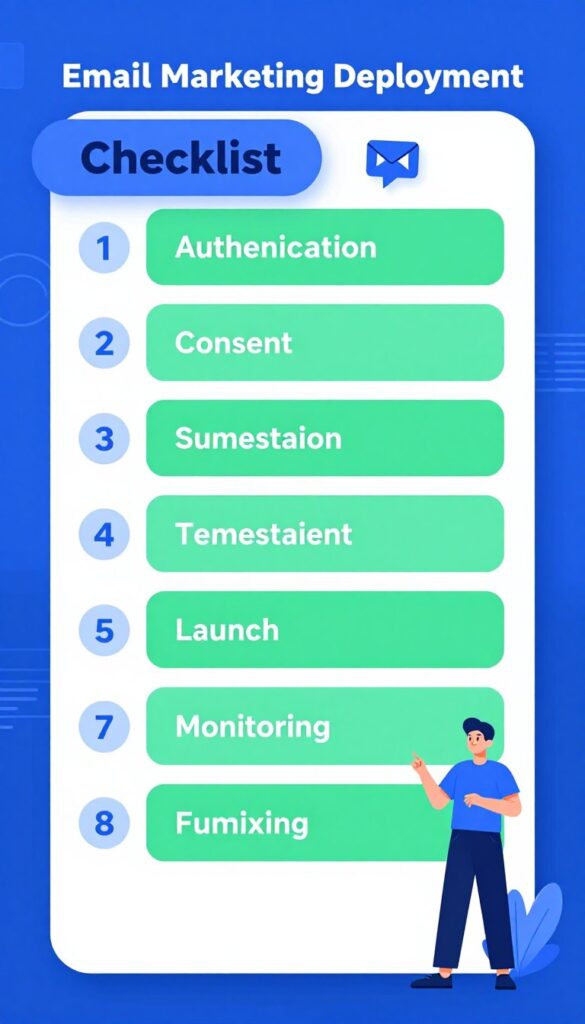
1. Authenticate the sending domain
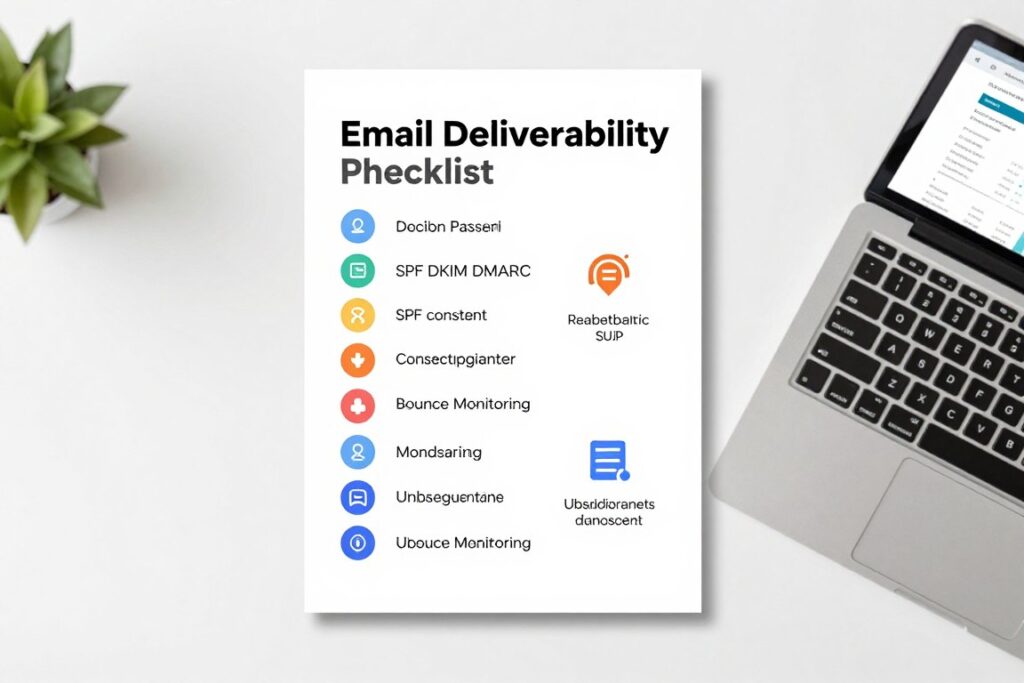
Configure SPF and DKIM for the sending service. Publish a DMARC policy for the domain and monitor authentication results. Use a branded sending domain when the platform supports it. Authentication is not a guarantee of inbox placement, but it is a core technical requirement.
2. Use permission-based list growth
Collect consent through clear forms, checkout language, lead magnets, and preference centers. Do not add scraped contacts to promotional email lists. Store the source, timestamp, form version, and consent scope where appropriate.
3. Ramp volume gradually
New domains and new sending patterns need a measured volume increase. Begin with engaged subscribers, monitor bounces and complaints, and expand only when results remain healthy. Avoid sending a large old list immediately after migration.
4. Build segments and suppression rules
- Separate prospects, customers, repeat customers, and inactive subscribers.
- Suppress unsubscribed, hard-bounced, and complaint-associated contacts.
- Exclude recent purchasers from unnecessary acquisition messages.
- Use engagement windows such as recent clickers or recent purchasers.
- Apply frequency caps across campaigns and automated flows.
5. Create the core automated funnels
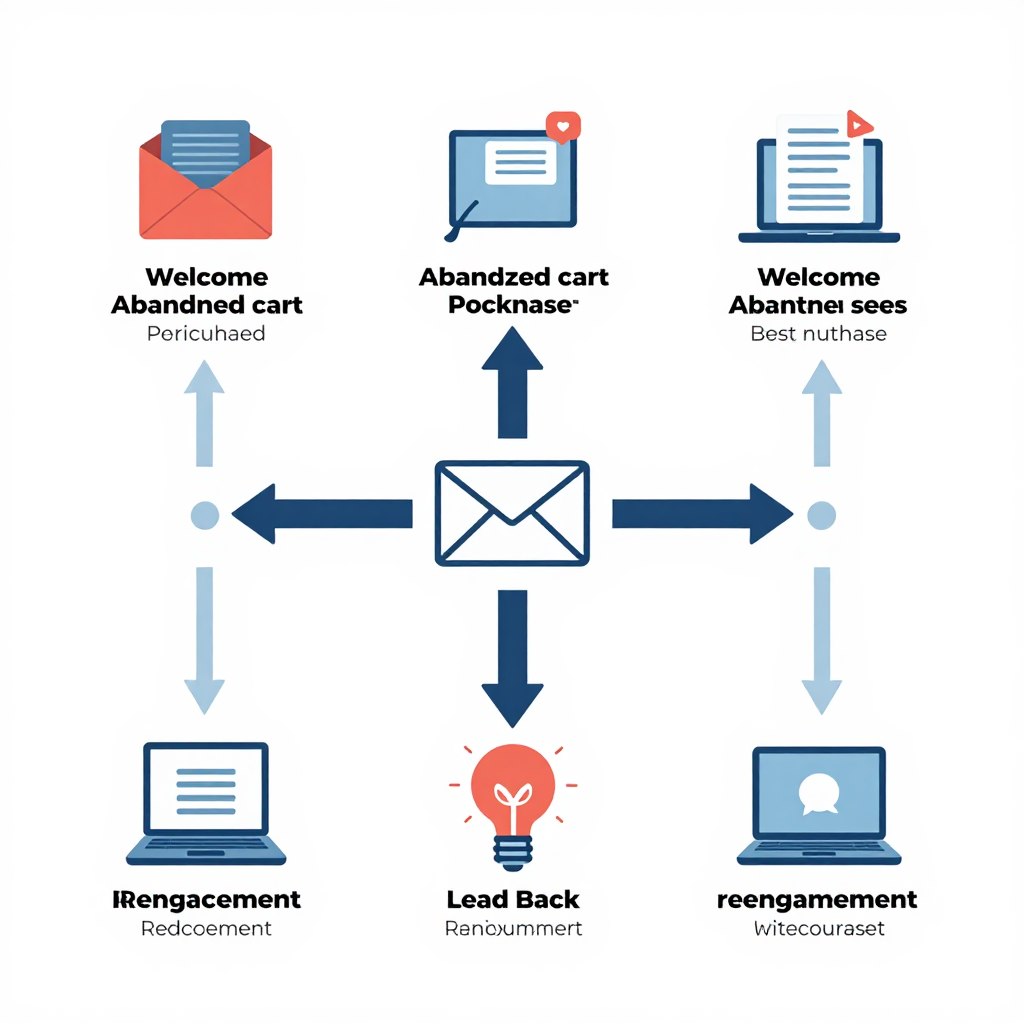
Start with a small number of useful journeys. A welcome series, abandoned-cart flow, post-purchase sequence, lead nurture, win-back program, and re-engagement flow can cover many business needs without creating unnecessary complexity.
6. Review AI-generated content
Give the AI tool approved product facts, audience details, prohibited claims, tone rules, and examples of acceptable email copy. Check every generated message for accuracy, repetition, invented benefits, awkward personalization, and unsupported urgency.
7. Test subject lines and content
Test one major variable at a time. Subject lines, preview text, offer framing, call-to-action wording, layout, and send times can each affect engagement. Keep a testing log so marketing teams do not repeat weak experiments.
8. Monitor sender health
Track delivery, bounce rate, complaint rate, unsubscribe rate, click activity, conversion events, and inactive contacts. Compare results by segment instead of relying only on an account-wide average.
9. Apply US compliance controls
Follow CAN-SPAM requirements, including accurate sender identification, truthful subject lines, a valid physical postal address, and a working unsubscribe method. Also review state privacy requirements, consent language, vendor agreements, and data retention practices with qualified counsel.
Automated Funnel Blueprints for E-commerce and Business
- Send the promised signup value immediately.
- Introduce the brand and key category.
- Use preference data for future segmentation.
- Suppress contacts who purchase early.
Welcome funnel
- Confirm the item and return path.
- Use helpful information before an incentive.
- Exclude completed orders in real time.
- Limit the number of reminders.
Abandoned-cart funnel
- Confirm the order and set expectations.
- Provide product education and support.
- Request feedback at a suitable time.
- Suggest relevant next products carefully.
Post-purchase funnel
- Use the lead source and stated interest.
- Teach before asking for a sales call.
- Use CRM data only when it is current.
- Route qualified leads to sales.
Lead-nurture funnel
- Recognize the inactive period.
- Offer useful new information or products.
- Ask about preferences when possible.
- Suppress contacts who remain inactive.
Win-back funnel
- Use a clear reason to return.
- Offer a preference or frequency choice.
- Confirm continued interest.
- Remove unresponsive contacts from promotion.
Re-engagement funnel
AI Content Generation, Subject Lines, and Testing Safeguards
AI is most valuable when it reduces repetitive work while leaving strategy and judgment with the marketing team.
Protect the brand voice
Create a short brand voice guide with preferred words, prohibited claims, sentence length, audience terms, punctuation rules, and examples. Ask the AI tool to follow the guide, then have a person approve the final email.
Protect customer trust
- Do not invent testimonials, discounts, stock levels, or product results.
- Do not expose sensitive CRM data in prompts without approval.
- Do not use personalization fields that may be empty or inaccurate.
- Do not create false urgency to increase clicks.
Improve subject line testing
Build subject line groups around one hypothesis. For example, compare a benefit-led subject with a curiosity-led subject while keeping the audience, offer, and send time consistent. Review click and conversion behavior rather than choosing a winner from opens alone.
Use send-time recommendations carefully
Predictive sending can support timing decisions when enough engagement data exists. Always protect customer experience with frequency caps and quiet periods. A convenient send time does not make irrelevant content useful.
Deliverability, Engagement, and List Hygiene Checklist
Good deliverability is an operating process. It depends on consent, authentication, message quality, audience selection, and consistent monitoring.
Before sending
- Confirm SPF, DKIM, and DMARC
- Check links and tracking
- Review mobile layout
- Test personalization fields
During launch
- Start with engaged contacts
- Watch bounces and complaints
- Check automation exits
- Review real-time event data
After sending
- Review clicks and conversions
- Record test results
- Check unsubscribe reasons
- Adjust segments and frequency
Regular maintenance
- Remove hard bounces
- Suppress long-term inactivity
- Audit consent records
- Review vendor permissions
Pricing, Plans, and Buying Questions to Ask
Do not compare only the advertised starting price. Ask how the platform counts contacts, whether unsubscribed records count toward billing, and whether transactional sending is separate from promotional email.
Questions for every vendor
- Which AI features are included in the selected monthly tier?
- Are AI credits limited by user, month, campaign, or account?
- Does predictive sending require a minimum engagement history?
- Which CRM and e-commerce integrations are native?
- Are integrations included or sold separately?
- How are contacts, seats, and sending volume counted?
- What happens when the account exceeds a limit?
- What migration and deliverability support is available?
Free plan and trial evaluation
A free plan is useful for testing the editor, forms, basic automation, and reporting. It is not always a realistic estimate of production cost. Test the workflow with representative data and confirm whether branding, automation limits, support, and sending caps change after upgrade.
Step-by-Step Deployment Checklist
- Define the primary business goal, audience, and conversion event.
- Choose the email platform based on data, automation, and CRM needs.
- Verify current pricing, plan limits, AI access, and integration costs.
- Authenticate the sending domain with SPF, DKIM, and DMARC.
- Document consent sources and import only permitted contacts.
- Connect the CRM, store, analytics, and transactional systems.
- Create suppression, unsubscribe, bounce, and frequency rules.
- Build one welcome flow and one revenue or lead-nurture flow.
- Write content rules for AI generation and human approval.
- Test subject lines, links, personalization, and mobile rendering.
- Launch gradually with engaged contacts.
- Review deliverability and conversion data after each send.
- Improve the workflow before adding more branches.
Frequently Asked Questions About AI Email Marketing Tools
What are the best AI email marketing tools for small businesses?
Mailchimp and Brevo may suit small businesses that need accessible campaign creation and manageable automation. The best choice depends on list size, sending volume, integrations, and the level of workflow complexity required.
Which platform is strongest for e-commerce?
Klaviyo is a strong candidate when product, purchase, browse, and cart events are central to the strategy. A smaller store should compare the expected contact-based cost with simpler platforms before choosing.
Can AI write complete email campaigns without human review?
AI can help produce drafts, variations, and sequences, but human review remains essential. Teams should check claims, personalization, compliance, links, tone, and customer context before sending.
Does predictive sending guarantee better results?
No. Predictive sending can guide timing when the platform has enough engagement data, but relevance, consent, deliverability, offer quality, and frequency usually matter as well.
Are free plans enough for serious email marketing?
Free plans can support testing and small audiences. Growing teams should model paid costs, automation access, AI limits, support, contact rules, and sending volume before relying on a free tier.
Which of the Best AI Email Marketing Tools Should You Choose?
Choose Klaviyo when e-commerce events, product data, and lifecycle personalization are the priority. Choose HubSpot when CRM connectivity, sales alignment, and shared customer records matter most. Choose Mailchimp when your team wants an accessible starting point for campaigns and basic automation.
Choose ActiveCampaign when you need detailed branching workflows and behavioral follow-up. Consider Brevo when flexible sending and multichannel communication are important. In every case, verify current US pricing, AI access, contact rules, integrations, and deliverability controls before committing.
Choose your next evaluation step
Compare the platform against your list size, CRM data, automation goals, compliance process, and expected monthly sending.