
The best AI accounting software for small business depends on the work you need to automate. QuickBooks Online is the strongest overall choice for most U.S. small businesses. Xero is the leading alternative for growing teams that value collaboration. Sage Intacct is better suited to mid-sized companies with complex reporting and multi-entity needs. Ramp is the strongest AI-first option for spend control, expense management, and accounting automation, but it usually complements a general ledger rather than replacing one.
This guide compares accounting software, automation depth, pricing models, reporting, integrations, security controls, and implementation effort. It separates genuine workflow improvement from basic rules, marketing language, and features that may be limited to certain plans or availability stages.
Shortlist the right platform faster
Use the comparison below to identify the best fit before opening a trial or requesting a sales consultation.
A decision-focused view of accounting automation, reporting, and financial data.
Best AI Accounting Software in 2026: Quick Picks
- Best overall: QuickBooks Online offers the broadest U.S. small business ecosystem, including bookkeeping, invoicing, payroll connections, tax workflows, and AI-assisted tasks.
- Best for growing teams: Xero supports collaborative cloud accounting, automatic reconciliation, multi-currency work, and a broad integration ecosystem.
- Best value: Zoho Books combines accounting, invoicing, inventory, automation, and Zoho ecosystem connections at a value-oriented price structure.
- Best for mid-sized businesses: Sage Intacct provides deeper financial management, multi-entity accounting, controls, consolidation, and advanced reporting.
- Best for AI-powered financial operations: Ramp automates corporate spending, expense review, accounts payable, transaction coding, and accounting handoffs.
Want a faster buying decision?
Start with the category that matches your finance team, then check the limitations before comparing price.
Top-3 Comparison: QuickBooks Online, Xero, and Sage Intacct
Pricing, plan names, included features, trial terms, and AI availability can change. Confirm current U.S. terms with each vendor before signing a contract. “Not publicly verified” means the information should be confirmed directly rather than assumed.
| Category | QuickBooks Online | Xero | Sage Intacct |
| Best for | Most U.S. small businesses | Growing collaborative teams | Mid-sized and multi-entity finance teams |
| AI capabilities | Intuit AI capabilities vary by product and plan; verify availability | Automation and emerging AI finance capabilities; verify availability | AI-supported financial management features may vary by module and release |
| Bookkeeping automation | Strong transaction, receipt, and reconciliation workflows | Strong bank feeds, matching, and reconciliation workflows | Strong controlled workflows for structured finance teams |
| Bank reconciliation | Available; plan and bank connection rules apply | Available with matching and reconciliation tools | Available through structured financial workflows |
| Accounts payable | Bills and bill pay options vary by plan and service | Bills, approvals, and connected apps | Advanced AP and approval workflows |
| Accounts receivable | Invoicing, payments, and receivables reporting | Invoicing, payments, and receivables tools | Advanced receivables and financial controls |
| Cash flow forecasting | Planning and insight tools vary by product | Cash flow views and connected planning tools | Advanced reporting and planning options may require additional modules |
| Financial reporting | Strong standard small business reports | Strong dashboard and reporting tools | Deep configurable reporting and consolidation |
| Integrations | Large U.S. ecosystem | Broad cloud app ecosystem | ERP, operational, and finance integrations |
| Multi-entity support | Limited compared with mid-market platforms | Possible through connected organization structures | Core strength |
| U.S. payroll availability | Available through connected payroll products | Availability depends on U.S. integration and provider | Usually connected to payroll systems |
| 1099 support | Available through workflows and connected services | Verify current U.S. W-9 and 1099 workflow | Available through configuration or connected services |
| Mobile access | Mobile access available | Mobile access available | Mobile and browser access depend on configuration |
| SOC 2 status | Confirm current official documentation | Confirm current official documentation | Confirm current official documentation |
| GDPR and data privacy | Review current privacy documentation | Review current privacy documentation | Review current privacy documentation |
| Starting price or pricing model | Tiered subscription; verify current list price | Tiered subscription; verify current list price | Custom quote |
| Free trial | Terms may change | Terms may change | Usually sales-led evaluation |
| Primary limitation | Plan gating and price progression | U.S. ecosystem fit may vary by workflow | Implementation effort and custom pricing |
| Overall recommendation | Best default for many U.S. SMBs | Strong collaborative alternative | Best for complex finance operations |
How We Evaluated the Best AI Accounting Software
This evaluation measures how well each platform improves accounting work, not how often the vendor uses the word AI. A machine learning model that suggests transaction categorization can be useful, but it still needs controls, exception handling, and human review.
- AI and automation capabilities — 20%: transaction categorization, receipt extraction, invoice processing, AP automation, AR automation, anomaly detection, cash flow insights, financial forecasting, expense auditing, approval automation, and month-end close assistance.
- Core accounting functionality — 20%: general ledger, chart of accounts, bank reconciliation, financial statements, tax workflows, invoicing, bill pay, and audit trails.
- Ease of use — 15%: onboarding, navigation, permissions, accountant access, and everyday work for business users.
- Integrations and ecosystem — 15%: payroll, payments, banking, CRM, inventory, expense management, APIs, and third-party platforms.
- Reporting and financial intelligence — 10%: dashboards, profit and loss reporting, balance sheets, cash flow, predictive analytics, and financial Q&A.
- Security and controls — 10%: encryption, MFA, role-based access control, audit logs, data privacy, and vendor transparency.
- Pricing and value — 10%: subscription price, plan limits, implementation costs, add-ons, and value at the company’s expected scale.
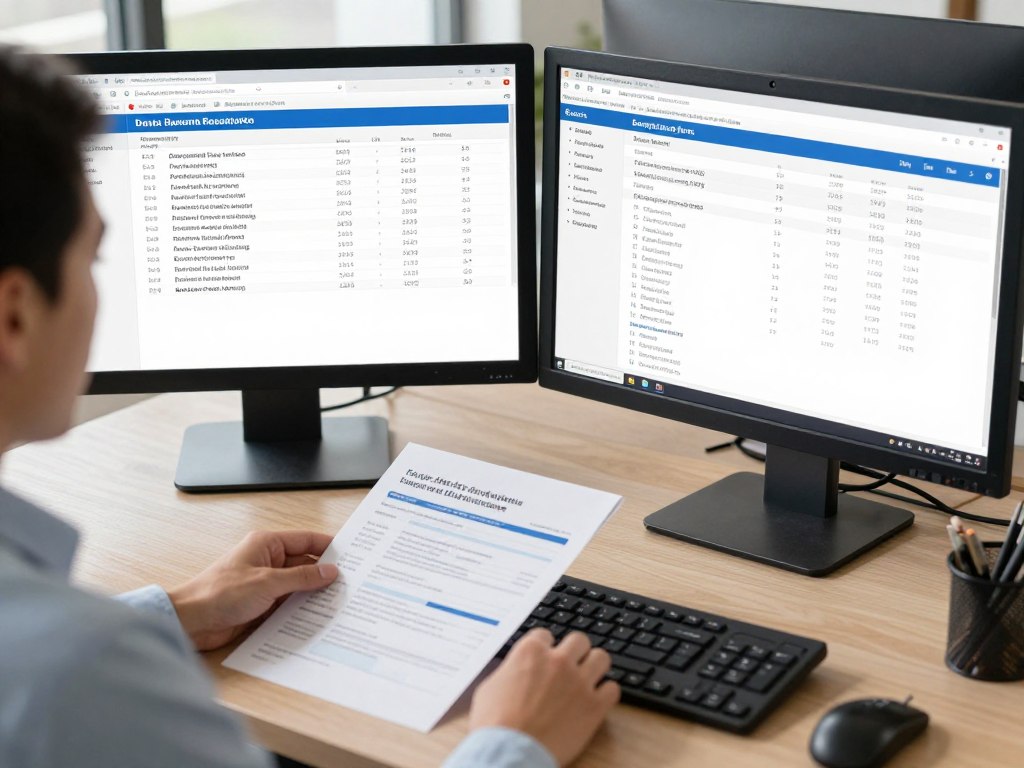
What counts as useful AI?
The strongest tools reduce repetitive work while leaving material accounting decisions auditable and reviewable.
Best AI Accounting Software: Detailed Product Reviews
QuickBooks Online: Best AI Accounting Software Overall for U.S. Small Businesses
What it is and who it suits
QuickBooks Online is a cloud accounting platform built around the general ledger, invoicing, expense tracking, bank feeds, reporting, and a large U.S. accountant ecosystem. It is a practical default for many small businesses that want one central accounting system with access to payroll, payments, tax, and third-party integrations.
AI features and accounting automation
Intuit’s current AI direction includes accounting, finance, payments, bill pay, and sales tax capabilities. Exact features can vary by product, plan, region, and release stage. Potential workflow improvements include suggested transaction categorization, receipt data extraction, anomaly signals, cash flow planning, invoice assistance, and financial insights. These suggestions should be reviewed before posting material entries.
Core features, reporting, and integrations
QuickBooks supports invoicing, bank reconciliation, expenses, bill pay, payments, payroll connections, tax workflows, financial reporting, and accountant collaboration. Its U.S. ecosystem is a major advantage for businesses that need familiar CPA support or industry-specific integrations. Reporting covers common profit and loss, balance sheet, cash flow, sales, expense, and tax views.
Security, pricing, and implementation
Review current Intuit security and privacy documentation before purchase. Confirm the plan needed for users, inventory, time tracking, advanced reports, bill pay, payroll, and other features. Pricing is subscription-based and subject to change. Implementation is usually simpler than a mid-market ERP, but historical data cleanup and chart-of-accounts design still matter.
Pros
- Strong U.S. accountant and integration ecosystem
- Broad small business accounting coverage
- Useful connections for payroll, payments, and tax work
Cons
- Pricing can rise as needs expand
- Important features may be plan-specific
- Complex organizations may outgrow the platform
Bottom line: QuickBooks Online is the best accounting software choice for many U.S. small businesses that want broad functionality, familiar support, and a large app ecosystem without starting with an ERP.
Evaluate QuickBooks for your business
Review current plans, included features, payroll options, and any promotional pricing before you subscribe.
Xero: Best for Growing Teams and AI-Powered Cloud Accounting
What it is and who it suits
Xero is cloud accounting software designed for collaboration among business owners, accountants, bookkeepers, and finance staff. It is attractive to growing teams that want broad user access, online workflows, multi-currency capability, and a connected app ecosystem.
AI features and automation
Xero’s automation includes bank feeds, matching, reconciliation, bill and receipt capture, invoicing, dashboards, and cash flow views. JAX and other AI finance capabilities may depend on availability, region, or release stage. Confirm whether a desired feature is generally available before relying on it for a core process.
Core features, reporting, and U.S. fit
Xero supports invoicing, bills, expenses, bank reconciliation, reporting, budgeting connections, projects, multi-currency accounting, and third-party integrations. Its user model and collaboration features can be useful when several people need access. Compared with QuickBooks vs Xero discussions, the deciding issue is often ecosystem fit: verify payroll, W-9, 1099, payments, banking, and local accountant support for your industry.
Security, pricing, and implementation
Review Xero’s current security and privacy materials, user limits, plan rules, and U.S. feature availability. Pricing is subscription-based and subject to change. A clean chart of accounts and well-defined bank rules reduce reconciliation errors during migration.
Pros
- Strong cloud collaboration
- Useful reconciliation and bank feed workflows
- Broad connected-app ecosystem
Cons
- Some U.S. workflows may require integrations
- Advanced needs can require additional tools
- AI availability should be verified by plan and region
Bottom line: Xero is a strong QuickBooks alternative for collaborative teams that prioritize cloud access, connected apps, and scalable bookkeeping workflows.
Compare Xero with your current stack
Check U.S. payroll, 1099, reporting, integration, and user requirements before switching.
Zoho Books: Best Value AI Accounting Software
What it is and who it suits
Zoho Books is online accounting software for businesses that want invoicing, expenses, inventory, bank reconciliation, reports, and workflow automation. It is especially relevant when a company already uses Zoho CRM, Zoho Inventory, Zoho Expense, or other Zoho products.
Automation and AI boundaries
Zoho Books supports workflow rules, document scanning, recurring transactions, approval processes, reminders, bank matching, and automated billing tasks. These functions are valuable, but rules-based automation is not always the same as machine learning or generative AI. Confirm which features are genuinely AI-driven and which rely on configured workflows.
Accounting features and ecosystem
Core features include invoicing, expenses, inventory, bank reconciliation, tax support, reporting, custom fields, payment integrations, and connections with the broader Zoho ecosystem. Advanced plans may expand user limits, automation, analytics, and inventory capabilities. Verify current 1099 support and U.S. tax workflows for your business.
Pricing and implementation
Zoho uses tiered subscription pricing, with current U.S. prices and included users subject to change. Review plan limits for automation, inventory, users, reports, and integrations. Implementation is manageable for many small businesses, but custom workflows need documentation and testing.
Pros
- Value-oriented feature coverage
- Strong fit for Zoho ecosystem users
- Useful workflow and document automation
Cons
- AI depth may be less developed than marketing suggests
- Advanced features can require higher plans
- U.S. accountant familiarity may vary
Bottom line: Zoho Books is a sensible value choice when its accounting features and wider business platform match the company’s existing tools.
Check Zoho Books pricing
Compare current U.S. plans, user limits, inventory tools, automation, and Zoho integrations.
Sage Intacct: Best for Mid-Sized Businesses and Advanced Financial Management
What it is and who it suits
Sage Intacct is a financial management platform for organizations that need deeper controls, multi-entity accounting, consolidation, dimensional reporting, auditability, and structured approval workflows. It is generally more suitable for mid-sized businesses than microbusinesses.
AI and financial management capabilities
Sage Intacct may include AI-supported data import, close automation, AP automation, anomaly detection, cash intelligence, Sage Copilot, AI agents, and financial assurance capabilities. Availability can depend on module, release, industry, contract, and preview status. Ask the vendor to identify generally available features and explain how recommendations are logged and reviewed.
Core accounting, reporting, and integrations
The platform supports multi-entity accounting, consolidation, advanced financial reporting, controls, audit trails, accounts payable, accounts receivable, and integrations with operational systems. Industry capabilities and API options can support more complex organizations, but configuration usually requires finance leadership and implementation assistance.
Security, price, and implementation
Sage Intacct uses custom pricing. Request a detailed proposal that separates subscription, implementation, integrations, training, and professional services. Review official security documentation, data privacy terms, role controls, and audit features. A controller or CFO should lead chart-of-accounts design and approval architecture.
Pros
- Strong multi-entity and reporting capabilities
- Better fit for structured finance controls
- Scales beyond basic small business accounting
Cons
- Custom pricing and longer buying process
- Higher implementation effort
- May be excessive for a simple single-entity business
Bottom line: Sage Intacct is the best accounting software for medium-sized businesses that need controlled financial management rather than a lightweight bookkeeping application.
Discuss your finance requirements
Request a tailored demonstration focused on entities, close, reporting, approvals, integrations, and implementation scope.
Ramp: Best AI-First Financial Operations and Accounting Automation Platform
What it is and who it suits
Ramp is a financial operations platform focused on corporate cards, expense management, accounts payable, procurement, vendor controls, and accounting automation. It is not simply a traditional general ledger. Many businesses use Ramp alongside QuickBooks Online, Xero, Sage Intacct, or NetSuite.
AI features and operational automation
Ramp can support AI transaction coding, receipt matching, invoice extraction, expense review, policy enforcement, approval recommendations, vendor management, procurement, reconciliation, accrual automation, and financial reporting workflows. Confirm which functions are included in the selected product and plan.
Integrations and accounting role
Ramp integrations can connect spending data with accounting platforms, including QuickBooks, Xero, Sage Intacct, and NetSuite, subject to current support and configuration. The main benefit is control before transactions reach the general ledger. Ramp can reduce manual coding and review, but it does not automatically replace a complete accounting platform.
Security, price, and implementation
Ramp pricing and eligibility can vary by product, company profile, and contract. Review current terms, card requirements, implementation services, user roles, approval rules, data retention, and integration controls. Finance leaders should test coding, exceptions, accruals, and export behavior before broad deployment.
Pros
- Strong spend and expense automation
- Useful controls before ledger posting
- Can complement several accounting platforms
Cons
- Not a complete general ledger
- Eligibility and pricing may be sales-led
- Integration configuration requires careful testing
Bottom line: Ramp is strongest when the main problem is uncontrolled spend, manual expense review, AP workload, or poor accounting data capture.
See whether Ramp fits your finance stack
Evaluate cards, expenses, AP, controls, integrations, and accounting handoffs before treating Ramp as a replacement for the ledger.
QuickBooks vs Xero vs Zoho Books vs Sage Intacct vs Ramp
| Category | QuickBooks Online | Xero | Zoho Books | Sage Intacct | Ramp |
| Best company size | Small and growing businesses | Small and growing teams | Small businesses and Zoho users | Mid-sized organizations | SMBs with spend complexity |
| Price model | Tiered subscription | Tiered subscription | Tiered subscription | Custom quote | Product and contract dependent |
| AI depth | Moderate to broad; verify plan | Growing; verify availability | Mixed automation and AI | Advanced finance focus; verify release | Strong operational automation |
| Core accounting | Full small business ledger | Full cloud ledger | Full small business ledger | Advanced financial management | Not a complete ledger |
| AP and AR | Available | Available | Available | Advanced workflows | Strong AP; AR is not the core ledger function |
| Payroll | Connected payroll options | Usually connected provider | Verify U.S. option | Connected payroll options | Not a primary payroll system |
| Inventory | Plan or integration dependent | Plan or integration dependent | Available by plan | Advanced through configuration | Not a primary inventory system |
| Multi-entity | Limited versus ERP tools | Possible with organization setup | Verify current structure | Core strength | Supports connected entity workflows |
| Best use case | Broad U.S. accounting | Collaboration and cloud accounting | Value and ecosystem integration | Complex finance operations | Spend and accounting automation |
Create a three-vendor shortlist
Select one core accounting platform and, only when needed, add a specialist tool for expenses, AP, or financial operations.
What Is AI Accounting Software?
Traditional accounting software records transactions, produces reports, and applies configured rules. Rules-based automation can create recurring invoices, match bank transactions, send reminders, or route approvals. These rules are useful but do not necessarily learn from new data.
Machine learning can identify patterns in transactions, receipts, invoices, and expense behavior. It may suggest a category, match a payment, flag an unusual amount, or extract information from a document. Generative AI assistants add natural-language questions and summaries. AI agents aim to complete several connected tasks, but they still need permissions, boundaries, exception handling, and audit trails.
Autonomous financial workflows are the most ambitious model. They may initiate actions across systems, but businesses should not treat them as a replacement for a CPA, controller, bookkeeper, tax adviser, or internal control process. A useful platform improves speed and visibility while preserving accountability.
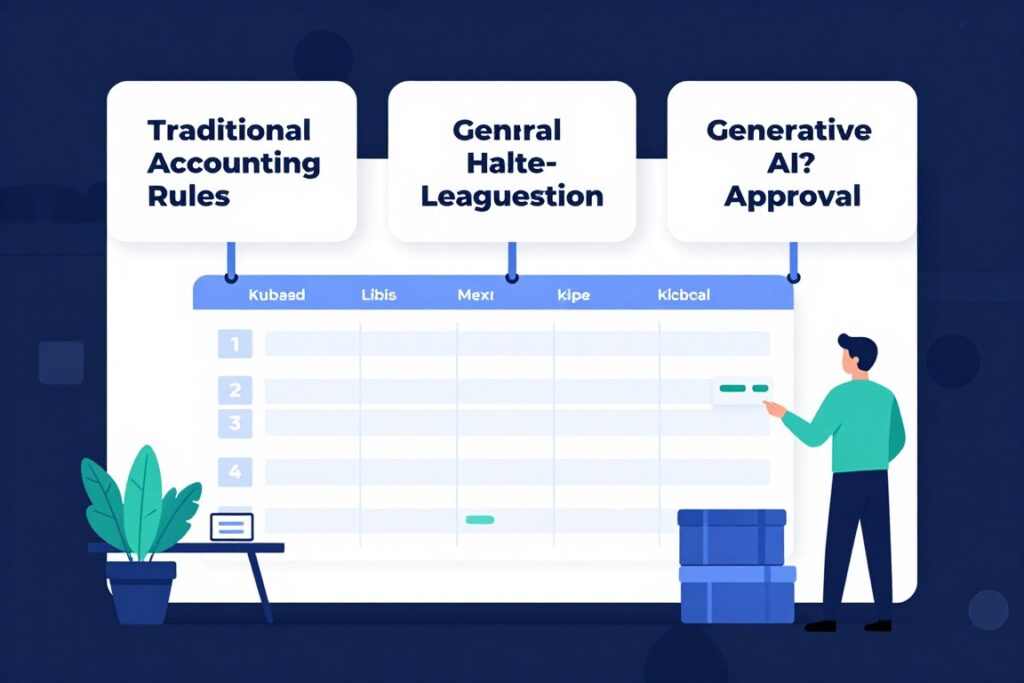
Measure workflow value
Ask whether the platform reduces manual work, improves data extraction, catches exceptions, and preserves a reviewable audit trail.
How Small Businesses Are Using AI in Accounting
- Transaction categorization: suggest accounts from prior activity while sending uncertain items to human review.
- Receipt capture: extract merchant, date, amount, tax, and payment details from images.
- Bank reconciliation: match bank activity with invoices, bills, transfers, and prior transactions.
- Invoice processing: extract line items, dates, vendors, and payment terms.
- Accounts payable: route bills, recommend approvers, identify duplicates, and support bill pay.
- Accounts receivable: automate reminders, identify overdue accounts, and improve collection visibility.
- Expense auditing: compare expenses with policy, receipts, travel rules, and approval workflows.
- Anomaly detection: flag unusual vendors, duplicate payments, unexpected amounts, or abnormal timing.
- Cash flow analysis: summarize inflows, outflows, upcoming obligations, and possible cash pressure.
- Financial reporting: explain movements in a profit and loss statement, balance sheet, or cash flow report.
- Forecasting: support planning with historical transactions, assumptions, and scenario analysis.
- Month-end close: identify missing reconciliations, uncategorized transactions, and incomplete tasks.
- Financial Q&A: let authorized users ask plain-language questions about approved accounting data.
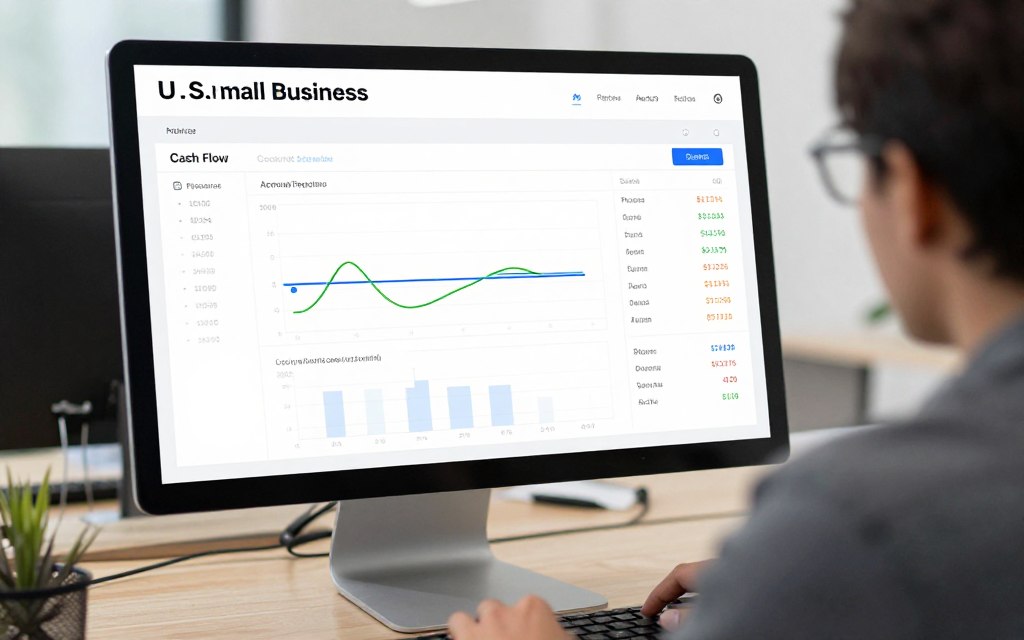
The best AI finance software turns accounting data into timely decisions without hiding assumptions or exceptions.
How to Implement AI Accounting Software Without Disrupting Your Business
- Step 1: Audit the current accounting stack. Map the general ledger, banking, payroll, payments, expense, inventory, CRM, and spreadsheet processes.
- Step 2: Identify workflows suitable for AI automation. Start with high-volume, repeatable tasks such as receipt capture, categorization, matching, and invoice entry.
- Step 3: Define required integrations. List banks, payment processors, payroll systems, CRM tools, inventory platforms, and APIs.
- Step 4: Review security and compliance requirements. Confirm access controls, encryption, MFA, data retention, audit logs, and vendor terms.
- Step 5: Export and clean historical accounting data. Remove duplicate vendors, fix account mappings, and reconcile opening balances.
- Step 6: Configure the chart of accounts and permissions. Use role-based access and keep approval authority separate from posting authority where practical.
- Step 7: Connect banking and financial systems. Test feeds, payment matching, imports, exports, and failure notifications.
- Step 8: Run AI recommendations in human-review mode first. Do not allow unfamiliar classifications or approvals to post automatically at the start.
- Step 9: Validate reconciliations and reporting. Compare balances, reports, taxes, financial statements, and transaction samples.
- Step 10: Expand automation gradually. Automate low-risk tasks before material journal entries, tax decisions, or complex accruals.
- Step 11: Train finance employees. Explain exceptions, approvals, data privacy, and when to contact a CPA or controller.
- Step 12: Monitor accuracy and exceptions. Track rework, unmatched transactions, duplicate bills, unusual entries, and close time.
AI-generated classifications and recommendations are not automatically tax, legal, audit, or GAAP advice. Keep human oversight for material accounting decisions.
Plan a controlled rollout
Use a limited workflow, defined reviewer, test data, and documented acceptance criteria before expanding automation.
Is AI Accounting Software Safe?
Safety depends on the product, configuration, integrations, user behavior, and vendor terms. Financial data can include bank details, payroll information, vendor records, customer data, tax identifiers, and confidential reports.
- Financial data privacy: understand collection, storage, sharing, deletion, and cross-border processing.
- Encryption: ask how data is protected in transit and at rest.
- MFA: require multi-factor authentication for administrators and finance users.
- Role-based access: limit who can view, approve, edit, export, or post transactions.
- Audit logs: verify that changes, approvals, exports, and system actions are recorded.
- SOC 2 and ISO 27001: request current reports or certificates; do not assume a vendor has either certification.
- GDPR and privacy: review the privacy policy, data processing terms, and regional obligations where relevant.
- Data retention: clarify backup, deletion, archival, and account-termination policies.
- AI training policies: ask whether customer data is used to train models and whether controls or opt-outs exist.
- Third-party integrations: review OAuth permissions, API scopes, vendors, and connection revocation.
An IT director, CFO, or controller should request security documentation, incident procedures, penetration testing information where available, subprocessors, business continuity details, and administrator controls before granting access.
Security claims should be verified in current vendor documentation, not inferred from a product’s size or reputation.
How to Choose AI Accounting Software
Start with the business problem, not the AI label. A small company with modest transaction volume may need dependable bookkeeping, invoicing, tax support, and bank reconciliation. A larger business may need multi-entity accounting, consolidation, dimensional reporting, approval workflows, and a formal financial close.
- Assess company size, transaction volume, entities, finance team size, and accounting complexity.
- Check inventory, payroll, international operations, multi-currency, AP volume, and reporting needs.
- Map the existing technology stack and required integration or API support.
- Set a budget that includes implementation, users, payments, payroll, analytics, and professional services.
- Define automation goals in measurable terms, such as fewer manual entries or faster reconciliation.
Choose QuickBooks if…
You want broad U.S. accounting coverage, a large accountant ecosystem, familiar payroll and tax connections, and a self-serve subscription model.
Choose Xero if…
Your team values cloud collaboration, bank reconciliation, multi-currency accounting, and a connected application ecosystem.
Choose Zoho Books if…
You want value-oriented accounting and already use Zoho CRM, inventory, expense, or other Zoho business tools.
Choose Sage Intacct if…
You need multi-entity accounting, consolidation, advanced reports, controlled approvals, auditability, and a scalable financial management platform.
Choose Ramp if…
Your main issue is spending, cards, receipt collection, AP, expense auditing, procurement, or accounting data arriving with poor coding.
Turn requirements into a shortlist
Write down must-have functions, acceptable workarounds, required integrations, and the person responsible for implementation.
Best AI Accounting Software by Business Size
Solopreneurs and microbusinesses
Prioritize simple invoicing, expense capture, bank reconciliation, tax-ready reports, mobile access, and a price that matches low transaction volume.
- QuickBooks Online
- Zoho Books
- Wave for basic needs
Small businesses
Look for payroll connections, bill pay, approval workflows, accountant access, cash flow visibility, and reliable integrations.
- QuickBooks Online
- Xero
- Zoho Books
Growing SMBs
Consider user access, multi-currency, project accounting, reporting depth, automation, and the point where spreadsheets stop working.
- Xero
- QuickBooks Online plus Ramp
- Zoho Books with connected tools
Mid-sized businesses
Focus on close management, internal controls, consolidation, entities, audit trails, dimensions, and scalable reporting.
- Sage Intacct
- Sage Intacct alternatives where industry fit requires it
- Specialist AP or expense platforms
Multi-entity organizations
Test eliminations, intercompany transactions, consolidations, currencies, permissions, reporting, and implementation support before purchase.
- Sage Intacct
- Advanced ERP options
- Core ledger plus specialist automation
Finance-led operations
Use a core accounting platform with financial automation software when spend controls, AP, procurement, and expense review require more depth.
- QuickBooks or Xero plus Ramp
- Sage Intacct plus connected AP tools
- Specialist platforms based on workflow scope
AI Accounting Software Pricing and Alternatives
Normal U.S. pricing should be compared with list pricing, not temporary introductory discounts. Subscription costs can change, and total price may include users, payroll, payments, inventory, advanced analytics, expense management, integrations, onboarding, and professional services.
- QuickBooks Online: tiered subscription pricing; verify current plan prices and feature limits.
- Xero: tiered subscription pricing; verify users, bills, projects, payroll connections, and multi-currency terms.
- Zoho Books: tiered subscription pricing; verify automation, inventory, users, reports, and U.S. tax functions.
- Sage Intacct: custom quote; request separate pricing for implementation, entities, users, modules, integrations, and support.
- Ramp: product and contract dependent; confirm eligibility, cards, AP, expense, implementation, and integration terms.
Other AI Accounting Tools Worth Considering
- BILL: relevant for accounts payable, accounts receivable, approvals, payments, and bill pay automation.
- FreshBooks: useful for service businesses that prioritize invoicing, time, projects, and client payments.
- Wave: worth considering for very small businesses with straightforward bookkeeping requirements.
- Digits: an AI-native accounting option to evaluate when automated bookkeeping is the central requirement.
- Docyt: relevant for automated bookkeeping, multi-location operations, and finance workflows that need more service support.
- Zeni: a managed finance and accounting option for startups that want people and software together.
Compare total ownership cost, not only the advertised monthly subscription.
Frequently Asked Questions and Final Decision
What is the best AI accounting software for small business?
QuickBooks Online is the best overall choice for many U.S. small businesses because it combines core accounting, reporting, invoicing, integrations, and a broad accountant ecosystem. Xero, Zoho Books, and Ramp may be better for specific workflows.
Can AI do bookkeeping for a small business?
AI can assist with receipt capture, transaction categorization, bank reconciliation, invoice processing, and exception detection. Human review remains important for material entries, tax treatment, unusual transactions, and financial decisions.
Is QuickBooks using AI?
QuickBooks and related Intuit products include AI-assisted capabilities across accounting, finance, payments, bill pay, sales tax, and insights. Availability varies by product, plan, region, and release stage.
Does Xero have AI?
Xero offers automated accounting workflows and is developing AI finance capabilities. Confirm the current availability, plan, region, and release status of any feature you intend to use.
Can AI replace an accountant?
AI can reduce repetitive bookkeeping work, but it does not replace professional judgment, tax advice, audit responsibility, internal controls, or the need to understand a company’s financial position.
What is the best AI bookkeeping software?
QuickBooks Online and Xero are strong general-purpose options. Zoho Books may provide better value for Zoho users, while Digits, Docyt, or Zeni may suit businesses seeking AI-native or managed bookkeeping services.
Is AI accounting software safe?
It can be safe when configured with MFA, role-based access, encryption, audit logs, controlled integrations, and clear data-use policies. Verify current security documentation instead of assuming every platform has SOC 2 or ISO 27001.
How much does AI accounting software cost?
Most small business platforms use tiered subscriptions, while Sage Intacct and some financial automation products use custom quotes. Add payroll, users, payments, implementation, integrations, and advanced reporting to the budget.
What accounting software is best for a growing business?
Xero is a strong option for collaborative growth, while QuickBooks Online remains practical for U.S. ecosystem depth. Businesses with complex entities and reporting should evaluate Sage Intacct earlier.
Which accounting software has the best AI automation?
Ramp is strongest for AI-assisted spend, expense, AP, and accounting automation. QuickBooks Online and Xero are stronger as general accounting platforms. The best choice depends on whether the main need is ledger work or financial operations.
Which AI Accounting Software Is Best for Your Business?
Choose QuickBooks Online when you want the broadest U.S. small business accounting ecosystem and a practical default for bookkeeping, reporting, invoicing, payroll connections, and tax workflows.
Choose Xero when collaboration, cloud access, bank reconciliation, multi-currency work, and connected applications are central to your finance process. Choose Zoho Books when value and the wider Zoho ecosystem matter more than maximum AI depth.
Choose Sage Intacct when your company needs sophisticated financial management, multi-entity accounting, consolidation, auditability, and advanced reporting. Choose Ramp when spend controls, expense review, AP automation, procurement, and accounting data quality are the main problems.
Some companies will achieve the strongest financial stack by combining a core accounting platform with a specialist automation tool. QuickBooks or Xero plus Ramp is one example. The right decision is the platform combination that improves accounting work, protects financial data, supports human review, and remains practical at the company’s next stage of growth.
Make the final choice based on workflow fit, control, total cost, and the finance team’s ability to manage implementation.
Ready to choose your shortlist?
Compare the platform that matches your business size, accounting complexity, automation goals, and implementation capacity.