

Support teams need speed, but customers still expect clear and human service. The best AI customer support tools can answer routine questions, route tickets, detect frustration, and help agents work across email, chat, voice, and social channels.
This guide compares leading platforms for US small businesses. It focuses on practical automation, pricing conditions, integration needs, and the point where a human agent should take over.
Quick comparison of the best AI customer support tools
The table below gives a practical starting point. Pricing and AI limits can change by region, plan, seat count, usage, and contract term. Confirm current US pricing with each vendor before purchase.
| Platform | Automated ticket resolution | Omnichannel routing | CRM integrations | Monthly pricing tiers for US businesses |
| Freshdesk and Freddy AI | AI suggestions, automated replies, self-service, and workflow automation. Exact resolution limits depend on plan and AI usage. | Email, portal, chat, messaging, and additional channels through available products and plan levels. | Freshworks products plus common business integrations through marketplace and connectors. | Free or paid help desk tiers may be available. AI features, seats, channels, and usage can add cost. Verify current monthly and annual rates. |
| Intercom Fin | AI agent answers supported questions from approved content and can hand off to human agents. | Strong chat and messaging workflow, with email and additional channels depending on configuration. | Native customer records and connections to CRM, data, and support applications. | Plan pricing commonly combines seats, platform access, and AI or outcome usage. Confirm current US price and minimums. |
| Zendesk AI | AI agents, suggested responses, intent detection, macros, and automated ticket workflows subject to plan and usage limits. | Email, live chat, voice, messaging, and social options vary by plan and add-on. | Zendesk marketplace, CRM connectors, APIs, and business application integrations. | Suite and support tiers are commonly priced per agent, with AI and advanced channels possibly priced separately. Verify current rates. |
Choose a shortlist before you book a demo
Use the comparison to identify the platform that fits your support volume, channels, and budget. Then verify AI limits and integrations on the official pricing page.
How we evaluated AI customer service software
A useful tool must do more than generate a quick answer. It should make customer service easier for agents while protecting accuracy, privacy, and customer satisfaction.
Automation quality
We look for reliable answers, intent detection, machine learning workflows, ticket classification, and clear escalation paths.
- Knowledge-base grounding
- Automated ticket handling
- Workflow controls
- Human review options
Customer experience
The best platforms support fast replies without forcing customers through a confusing bot loop.
- Live chat handoff
- Sentiment analysis
- Accessible agent context
- Consistent answers across channels
Small-business fit
Small teams need simple setup, transparent pricing, useful integrations, and room to grow.
- Practical free plan or trial
- Reasonable seat costs
- CRM connectivity
- Scalable support workflows

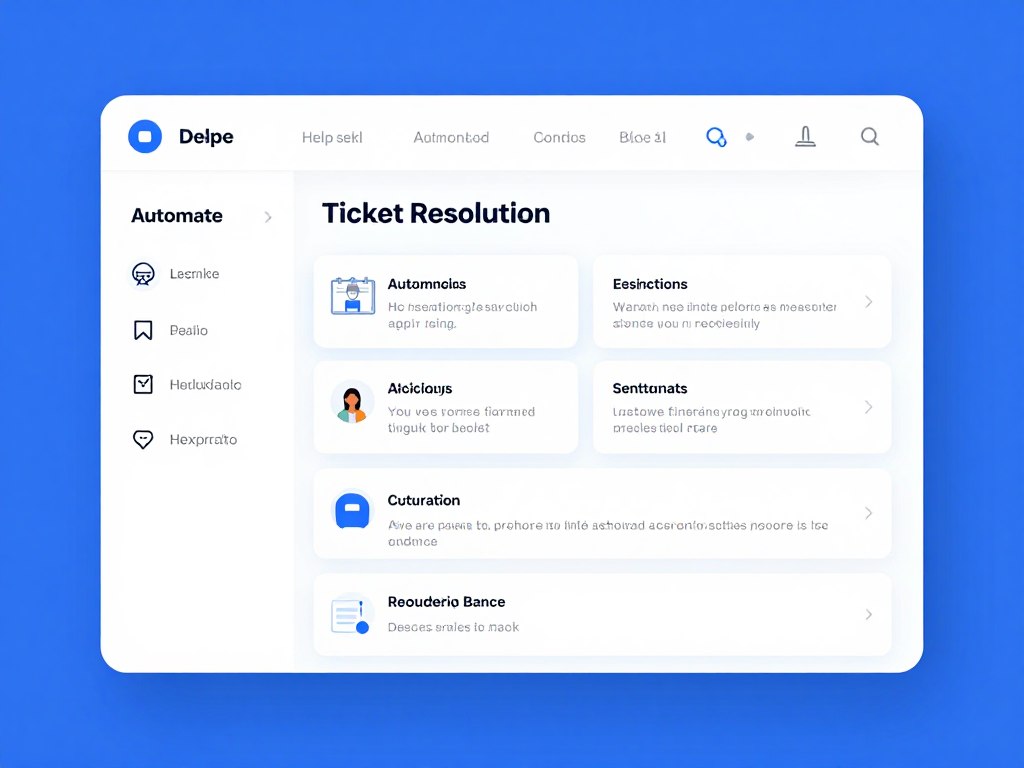
Freshworks: best for accessible AI help desk automation
What Freshworks is best for
Freshworks is a strong option for small businesses that want a familiar help desk with AI layered into customer service workflows. Freddy AI can support agents, suggest answers, classify requests, and help customers find information through self-service experiences.
AI features and automation
Typical use cases include answering common customer questions, summarizing tickets, recommending knowledge-base articles, detecting intent, and helping agents resolve tickets faster. Businesses should confirm which capabilities are included in the selected Freshdesk, Freshchat, or omnichannel plan.
Sentiment analysis and 24/7 chat
AI-assisted sentiment and intent signals can help teams identify frustrated customers. Chatbots can operate outside business hours, but accuracy depends on the quality of the knowledge base and the boundaries set by the team.
Routing, integrations, and implementation
Freshworks supports help desk workflows across email, portals, chat, and other channels. Routing rules can send tickets to the right team based on topic, priority, language, or customer details. CRM and business application connections are available through the Freshworks ecosystem and integrations.
Pricing and plan limitations
Freshworks offers different products and plan levels. A free plan or trial may be available at certain times, but AI features, channels, seats, and usage can depend on the selected plan. Treat displayed prices as time-sensitive and check the official US pricing page before publishing or buying.
Pros
- Accessible interface for small teams
- Useful help desk automation
- Strong connection between tickets and knowledge base
- Clear path from agent assistance to self-service
Cons
- Advanced AI may require a higher plan or usage fees
- Channel coverage depends on product selection
- Large teams may need more detailed governance
Explore Freshworks for your support workflow
Freshworks is worth testing if you need a help desk that combines automation, agent assistance, and customer self-service.
Intercom Fin: best for conversational support and live chat
What Intercom is best for
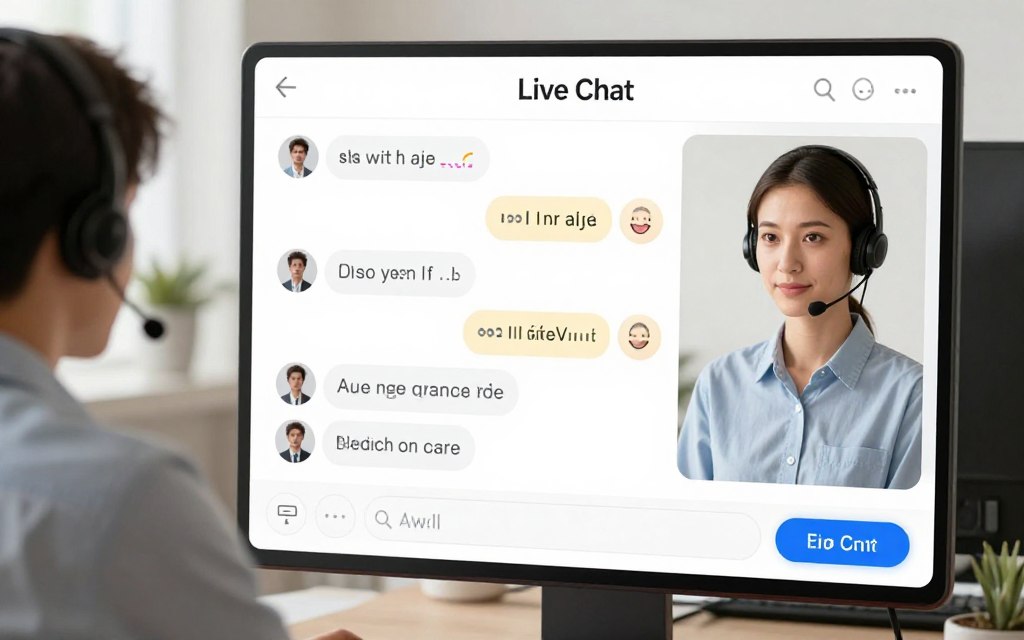
Intercom is designed for businesses that place live chat, messaging, and conversational customer service at the center of their support model. Fin can answer questions from approved content and pass complex requests to human agents.
AI chatbot and ticket resolution
Fin is useful for common customer questions, onboarding guidance, product information, and basic troubleshooting. It can work without human intervention for suitable requests, but teams should set a clear boundary for refunds, account security, billing disputes, and sensitive complaints.
Sentiment, routing, and human handoff
Intercom can help teams identify conversation context and route requests through inbox workflows. The most important evaluation point is not only whether the chatbot answers, but whether it gives human agents a complete conversation history when escalation occurs.
Integrations and scalability
Intercom connects customer conversations with user records and business applications. It can suit software companies, online services, and subscription businesses that need support and product communication in one place.
Pricing and limitations
Intercom pricing can combine seat-based charges with AI or outcome-based usage. Review current US plan details, minimum requirements, channel limits, and the cost of additional AI resolutions before making a forecast.
Pros
- Strong conversational interface
- Useful for live chat and messaging
- Good context for customer interactions
- Clear human handoff model
Cons
- Costs can rise with usage and seats
- Less suitable for teams focused only on email tickets
- Complex cases still need trained human agents
Zendesk AI: best for mature ticketing and omnichannel support
What Zendesk is best for
Zendesk is a strong choice for teams that need structured ticket management, detailed reporting, multiple channels, and a large integration ecosystem. It can support businesses that expect their customer service operation to grow.
AI features and automated tickets
Zendesk AI can assist with intent detection, suggested replies, summaries, macros, knowledge recommendations, and automated agent experiences. AI agents may resolve suitable issues without human intervention, depending on configuration, plan, and usage rules.
Sentiment analysis and routing
Intent and sentiment signals can help prioritize urgent or frustrated customers. Ticket routing can use skills, groups, triggers, schedules, priority, and customer data. Teams should test routing rules with real examples before switching on broad automation.
Omnichannel and CRM integrations
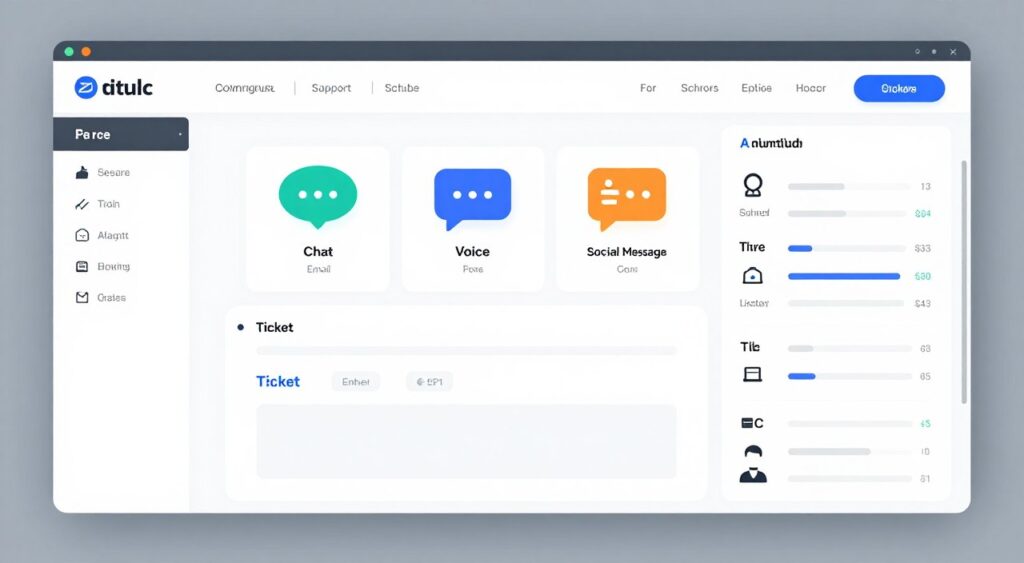
Zendesk supports email, live chat, messaging, voice, social channels, and self-service options through different products and plans. Marketplace applications and APIs help connect CRM, ecommerce, analytics, and internal systems.
Pricing and limitations
Zendesk pricing is commonly organized by agent and plan. Advanced AI, voice, messaging, or reporting may require higher tiers or additional charges. Small teams should calculate total cost using seats, channels, AI usage, implementation, and integration work.
Pros
- Deep ticketing and reporting capability
- Broad omnichannel support
- Large integration marketplace
- Strong fit for growing support teams
Cons
- Can require more administration
- Total pricing may be difficult to estimate
- Advanced features may sit behind higher plans
Consider Zendesk for complex support operations
Choose a Zendesk evaluation when your team needs multiple channels, detailed ticket routing, and room for advanced reporting.
Yuma: best for ecommerce support automation
What Yuma is best for
Yuma is aimed at ecommerce teams that need automation for repetitive customer service tasks. Its strongest use cases can include order status, returns, shipping questions, product details, and other store-related requests.
AI workflows and order status
An ecommerce-focused assistant can reduce repetitive work by using store data and support content. Before deployment, confirm how the platform handles order status, refunds, exchanges, payment questions, and requests that require account access.
Chat, email, and escalation
Yuma’s value depends on its connection to the channels where ecommerce customers ask questions. Teams should test whether the tool can preserve context across chat and email, recognize a frustrated customer, and transfer a ticket to human agents with enough detail.
Integrations and implementation
Small online stores should review supported ecommerce platforms, help desk connections, customer data permissions, and setup requirements. A focused implementation can begin with FAQs and order status before expanding to returns or account changes.
Pricing and limitations
Check current Yuma pricing, usage rules, supported channels, and any limits tied to automated resolutions. The right comparison should include total monthly tickets, integration needs, and the cost of human review for exceptions.
Pros
- Strong relevance for online stores
- Useful focus on repetitive ecommerce questions
- Potential to automate customer support after hours
- Good fit for order-related workflows
Cons
- May be less broad than a full enterprise help desk
- Value depends on store and channel integrations
- Complex disputes still require human review

Gorgias: best for ecommerce teams using Shopify
What Gorgias is best for
Gorgias is built around ecommerce support. It can help stores manage customer service from a shared inbox and connect conversations with order information. This is useful for teams that need fast answers about shipping, products, returns, and order status.
Automation and AI chatbot capability
Automation can handle common customer questions and route exceptions to agents. A 24/7 chatbot can offer answers outside business hours, but stores must keep shipping policies, inventory details, and return rules current.
Sentiment and ticket routing
Teams should test whether the selected plan provides the sentiment, intent, reporting, and routing controls they need. Frustrated customers should receive a fast human path, especially when the issue involves a lost package, chargeback, damaged product, or repeated failure.
Integrations, scale, and pricing
Gorgias is most attractive when ecommerce applications are central to the business. Pricing may depend on plan, ticket volume, seats, AI usage, and connected channels. Confirm current US rates and included automation before choosing a tier.
Pros
- Strong ecommerce orientation
- Useful order context for agents
- Shared inbox for customer interactions
- Good fit for growing stores
Cons
- Less suitable for non-commerce service models
- Volume-based pricing may affect forecasting
- AI quality depends on accurate store data

Feature comparison for small-business customer service
Feature lists can hide important differences. A platform may advertise automation but limit the number of tickets, channels, agents, or AI resolutions in a lower plan.
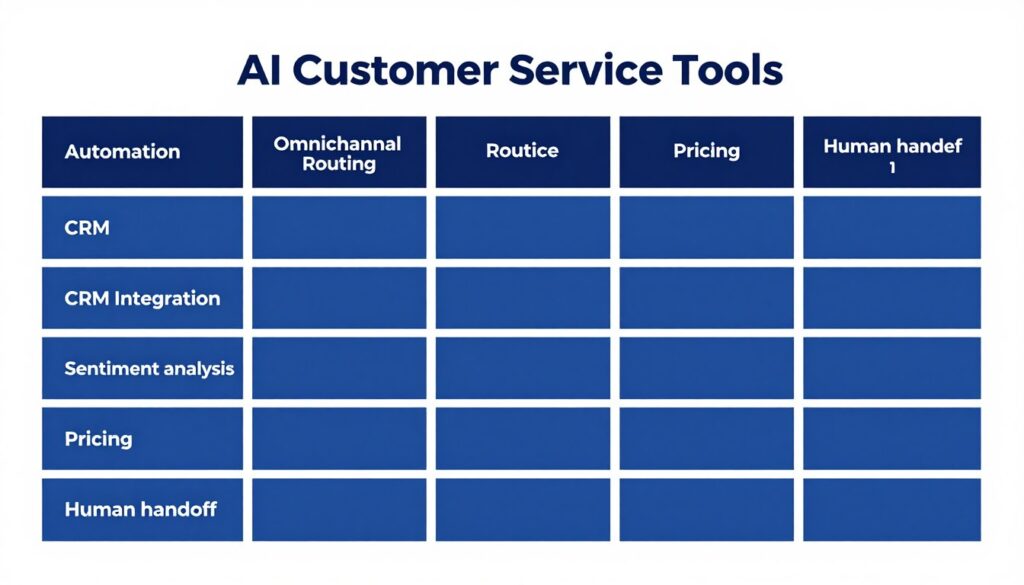
| Evaluation area | What to verify | Why it matters |
| Automated ticket resolution | Which requests can be resolved automatically, and how are uncertain answers handled? | A high deflection rate is not useful if customers must repeat the issue to an agent. |
| Knowledge base | Can AI cite approved content and identify outdated articles? | Grounded answers reduce hallucinations and keep customer service consistent. |
| Omnichannel routing | Are email, chat, voice, social, and messaging included or sold separately? | Customers expect support across multiple channels, but costs can change quickly. |
| Sentiment analysis | Does the system detect frustration, urgency, or negative language in real workflows? | The right signal helps teams protect customer satisfaction. |
| CRM integration | Which customer fields, ticket events, and order details can be synchronized? | Agents need context to solve issues without asking customers to repeat information. |
AI customer support pricing: what small businesses should calculate
Monthly pricing is only one part of the budget. A realistic forecast includes seats, tickets, AI resolutions, channels, implementation, integrations, training, and ongoing knowledge-base maintenance.
Common pricing models
- Per-agent pricing for help desk access
- Per-user month pricing for customer-facing platforms
- Conversation or resolution-based AI pricing
- Ticket-volume tiers for ecommerce support
- Separate charges for voice, messaging, or advanced reporting
Questions to ask before buying
- Is there a free plan, free trial, or usage cap?
- Does the free plan include AI, live chat, or only basic ticketing?
- Are automated resolutions counted even when a human reviews the answer?
- Can the company export customer data and ticket history?
- What happens when the monthly ticket limit is exceeded?
Budget rule: Compare the cost per successfully resolved customer issue, not only the advertised user month price. A cheaper tool may require more manual work or paid integrations.
How to implement AI without losing the human touch
Successful automation begins with a narrow use case. Do not automate every customer interaction on the first day. Start with common, low-risk questions where the correct answer is clear.
1. Select high-value, low-risk tasks
Good starting tasks include order status, business hours, shipping policies, password guidance, product documentation, and appointment instructions. Avoid automatic handling of legal threats, safety concerns, refunds outside policy, account ownership disputes, and highly emotional complaints.
2. Audit the knowledge base
Review articles for accuracy, ownership, reading level, and last-update date. Remove duplicate answers. Add clear steps, exceptions, eligibility rules, and links to human support. An AI system cannot create a reliable knowledge base from unclear policy documents.
3. Connect the support platform
Connect the help desk to CRM records, ecommerce data, ticket history, live chat, email, and other approved sources. Use the minimum permissions needed. Test whether agents can see relevant context without exposing private data unnecessarily.
4. Create escalation rules
Set automatic escalation for low confidence, repeated questions, negative sentiment, sensitive account issues, payment problems, and requests that require judgment. Escalation should include the conversation history, detected intent, suggested next step, and reason for transfer.

How human agents should supervise AI workflows
AI should reduce repetitive work, not remove accountability. Human agents remain responsible for judgment, empathy, exceptions, and customer trust.
Use human review where risk is high
Require review for refunds, cancellations, identity changes, complaints, regulated topics, vulnerable customers, and requests involving personal information. These cases can be routed directly to trained agents.
Train agents as AI supervisors
Support agents should learn how to review suggested replies, correct wrong intent labels, report missing knowledge, and improve escalation rules. This creates a feedback loop that makes automation safer over time.
Preserve a clear human path
Customers should not have to argue with a bot to reach a person. Give them a visible live chat or email option when the issue is complex, the answer fails, or frustration rises.
Automation earns trust when customers can see that a capable human is available when the situation requires judgment.

Metrics to monitor after launch
Do not judge automation by deflection alone. A bot that ends conversations quickly may still create repeat contacts and lower customer satisfaction.
Efficiency metrics
- First response time
- Average resolution time
- Tickets handled per agent
- After-hours response coverage
Quality metrics
- Correct resolution rate
- Repeat contact rate
- Escalation quality
- Knowledge-base accuracy
Customer metrics
- Customer satisfaction
- Customer effort score
- Sentiment change
- Complaint and churn signals
Review metrics by channel, issue type, customer segment, and automation path. A strong result in email may hide a poor experience in live chat. Compare automated conversations with human-handled conversations before expanding the workflow.
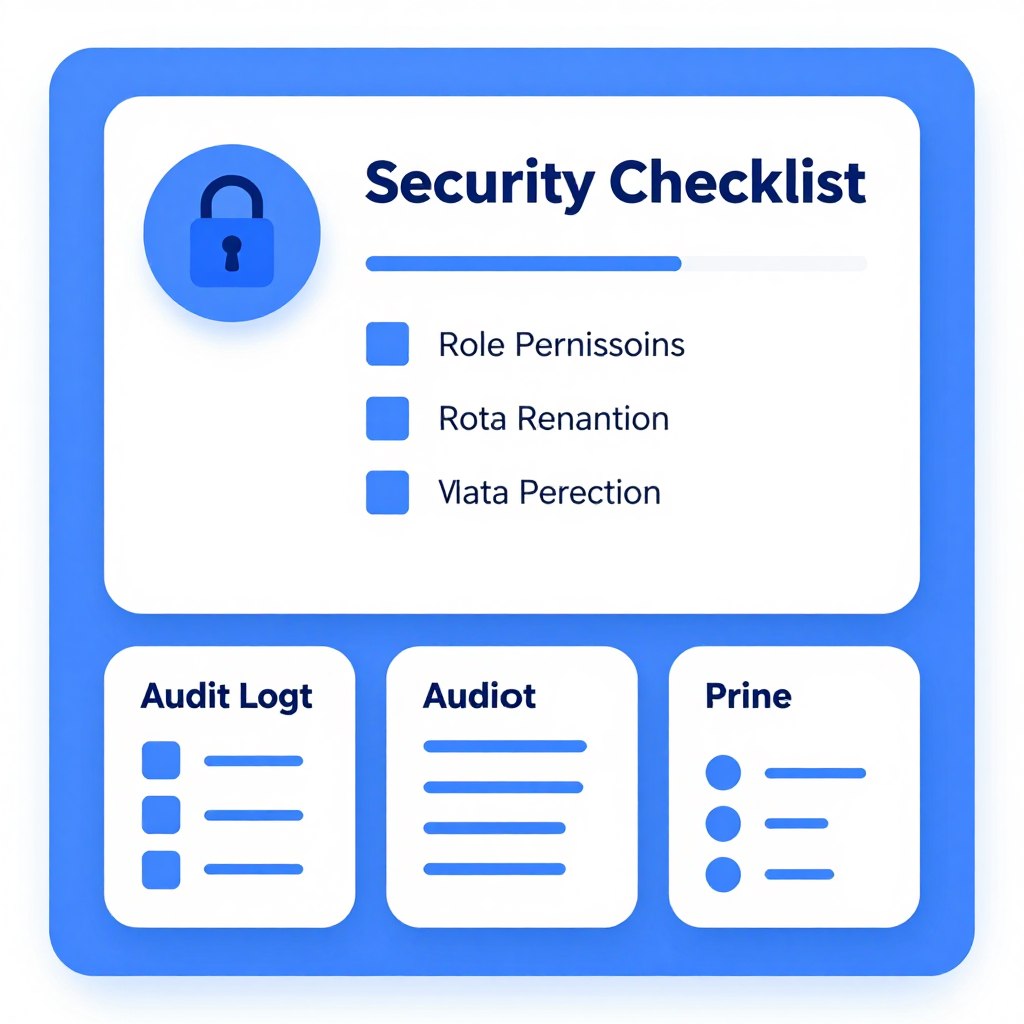
Privacy, security, and AI governance checks
Customer support systems process names, email addresses, order data, billing details, and conversation history. Before connecting a tool, review its security documentation, data retention terms, access controls, and subprocessors.
- Limit access by role and team.
- Remove sensitive data from training examples where possible.
- Confirm whether customer content is used to train shared models.
- Define retention and deletion rules.
- Log AI decisions and human overrides.
- Test prompts for unsafe or inaccurate responses.
- Create an owner for policy and knowledge-base updates.
Do not allow an AI tool to expose private customer records merely because an integration makes the data available. Permission design should come before automation.
A phased rollout plan for a small business
Phase one: prepare
Choose one channel and three to five common customer questions. Audit the knowledge base, define escalation rules, identify an owner, and record baseline response and satisfaction metrics.
Phase two: assist agents
Start with AI suggestions, summaries, intent labels, and article recommendations. Let human agents approve responses. This stage builds confidence without exposing customers to uncontrolled automation.
Phase three: automate simple questions
Allow the AI assistant to resolve low-risk requests with clear answers. Add a visible path to live chat or email. Review failed answers every day during the first weeks.
Phase four: expand carefully
Add channels, order data, routing rules, and more complex workflows only after quality remains stable. Expand one use case at a time and keep a rollback plan.
Phase five: optimize
Use customer feedback, agent corrections, sentiment trends, and repeat contact data to update workflows. Remove automation that saves time but lowers customer trust.
Build an implementation plan before selecting a platform
A short pilot can reveal whether a tool improves resolution quality, not just response speed.
What the ranking pages reveal about CTA strategy
Freshworks: product-led conversion
The Freshworks result is a vendor page rather than a neutral roundup. Its primary goal is to sell an online service or generate product-qualified leads. The likely audience is B2B buyers who already recognize a customer service problem and are comparing platforms. The strongest CTA format is a prominent button or product link, supported by feature explanations and a trial or demo path.
- Goal: sell and generate leads
- Audience: warm B2B prospects
- Offer: AI support platform or subscription
- Desired action: explore, register, start a trial, or request a demo
- Tone: confident and product-led
- Placement: early and repeated after product benefits
Elfsight: educational comparison with product discovery
The Elfsight article targets readers who are researching AI tools for customer service. The primary goal is informational, with a secondary commercial goal. Its audience includes colder B2B visitors and smaller teams looking for examples, use cases, and accessible tools.
- Goal: inform, then generate product interest
- Audience: cold to warm researchers
- Offer: digital service or subscription tools
- Desired action: read, compare, visit a product page, or test a tool
- Tone: native and educational
- Placement: within tool descriptions and near recommendations
Yuma: educational content leading to evaluation
The Yuma article explains AI customer service software while supporting the vendor’s commercial positioning. The likely reader is a support leader or ecommerce operator evaluating automation. A useful CTA for this audience is a product exploration action that follows an explanation of workflows, integrations, and likely outcomes.
- Goal: inform and generate leads
- Audience: warm B2B and ecommerce prospects
- Offer: online customer service platform
- Desired action: evaluate the product, request information, or begin a trial
- Tone: practical and solution-focused
- Placement: after education and near product-fit moments
CTA recommendations for this comparison article
A neutral roundup should not copy a vendor landing page. It should help readers make a decision and offer the next useful step. The best CTA depends on the reader’s confidence.
- Read the comparison
- View feature details
- Use a pricing checklist
Cold visitors
- Compare two platforms
- Review integrations
- Start a free trial
Warm visitors
- Request a demo
- Confirm plan limits
- Begin implementation
Hot visitors
Use descriptive button text rather than vague phrases such as “Click here.” “Compare Zendesk pricing,” “Explore Freshworks AI,” and “Review ecommerce automation” explain the result of the action.
Frequently asked questions about AI customer support tools
What are the best AI customer support tools for a small business?
The best option depends on channel mix, ticket volume, CRM needs, ecommerce requirements, and budget. Freshworks is a practical broad help desk option. Intercom is strong for conversational support. Zendesk suits structured omnichannel operations. Yuma and Gorgias are useful for ecommerce-focused workflows.
Can AI resolve tickets without human intervention?
Yes, for suitable low-risk requests. Teams should use approved knowledge, confidence thresholds, escalation rules, and human review for sensitive or uncertain cases. Automation without human intervention should never mean automation without governance.
Can AI customer service tools work 24/7?
Many platforms can provide 24/7 chatbot or self-service coverage. The quality depends on current content, connected systems, language support, and the ability to reach human agents when the AI cannot resolve the issue.
What should a small business ask about pricing?
Ask about seats, tickets, AI resolutions, channels, integrations, overage charges, free plan limits, annual commitments, and implementation fees. Compare the total cost for your actual support volume.
Will automation reduce customer satisfaction?
It can if customers cannot reach human agents or receive inaccurate answers. Satisfaction is more likely to improve when AI handles simple tasks and gives human agents better context for complex customer interactions.

Final verdict: choose the platform that fits your support model
The right platform is not automatically the one with the longest feature list. It is the tool that answers your common customer questions accurately, connects to the systems your agents use, and makes escalation simple when a person is needed.
Choose Freshworks for an accessible help desk and broad AI workflow path. Consider Intercom when live chat and conversational support are central. Choose Zendesk for mature ticketing, reporting, and omnichannel complexity. Evaluate Yuma or Gorgias when ecommerce workflows, order status, returns, and store data drive most of your customer service.
Start with a small pilot. Measure resolution quality, response time, repeat contacts, sentiment, agent workload, and customer satisfaction. Then expand only when automation improves the complete experience.
Take the next step with a focused platform evaluation
Shortlist two tools, verify current US pricing, test your highest-volume support questions, and confirm that human agents can take over without losing context.