

The best AI video editing software can turn raw footage into a polished video in far less time. Modern tools can find highlights, remove silence, create captions, clean audio, generate visuals, and resize content for social platforms.
That speed does not make every editor a good fit. Some tools are best for short social clips. Others offer stronger control for YouTube, courses, marketing campaigns, or professional editing.
This guide compares five leading options for US creators. It covers features, pricing, workflow fit, limitations, and the next step to take with each tool.
Quick Comparison of the Best AI Video Editing Software
Use this table to narrow the list before reading the detailed reviews. Ratings consider ease of use, AI features, editing control, export quality, pricing clarity, and overall workflow value.
| Tool | Best use case | Skill level | Rating |
| ChatCut | Fast social clips and short-form video | Beginner to intermediate | 4.5/5 |
| Manus | AI-assisted content workflows | Beginner to intermediate | 4.3/5 |
| Vimeo | Business video and team publishing | Beginner to professional | 4.4/5 |
| Descript | Talking-head video and podcasts | Beginner to intermediate | 4.6/5 |
| CapCut | Mobile-first social content | Beginner | 4.4/5 |
Want the fastest way to choose?
Start with your main format. Choose ChatCut or CapCut for short social edits, Descript for spoken content, and Vimeo for structured business video workflows.
How We Evaluated These Video Editing Tools
A strong AI editor should reduce repetitive work without taking away useful creative control. We looked at the complete workflow, from importing footage to exporting the final video.
Speed and automation
We considered automatic cuts, scene detection, silence removal, highlights, script tools, and generation features that save time.
- Faster first edits
- Useful automation controls
- Simple project setup
Creative control
Automation is valuable only when creators can adjust the result. We reviewed timelines, text, color, audio, effects, and export settings.
- Manual editing options
- Flexible captions and layouts
- Reliable footage control
Value and fit
Pricing varies by plan, credits, storage, and export limits. The best choice depends on the type of video and the amount of content created each month.
- Clear pricing structure
- Free plan or trial access
- Room to scale

Prices and included features can change. Check the official plan page before purchasing, especially if you need commercial rights, high-resolution export, team access, extra credits, or advanced generation.
ChatCut: Best for Fast Social Video Editing
ChatCut is designed for creators who want to move quickly from raw footage to usable short-form video. Its main appeal is a streamlined workflow for social content, where speed and a strong first cut matter more than complex timeline control.
Key features
- AI-assisted short-form video edits
- Automatic captions and subtitle styling
- Tools for turning longer footage into social clips
- Fast text, cut, and layout adjustments
- Export workflows made for vertical video
Pros and cons
Pros
- Simple starting point for new creators
- Good fit for repeated short-form tasks
- Reduces manual cutting and caption work
Cons
- May not replace a full professional editing suite
- Advanced color and audio control may be limited
- Plan limits should be checked before heavy use
Pricing overview
ChatCut may offer free access or paid plans based on project limits, export needs, or usage. Before subscribing, confirm whether the plan includes watermark-free export, commercial use, high-resolution video, and enough monthly generation or editing capacity.
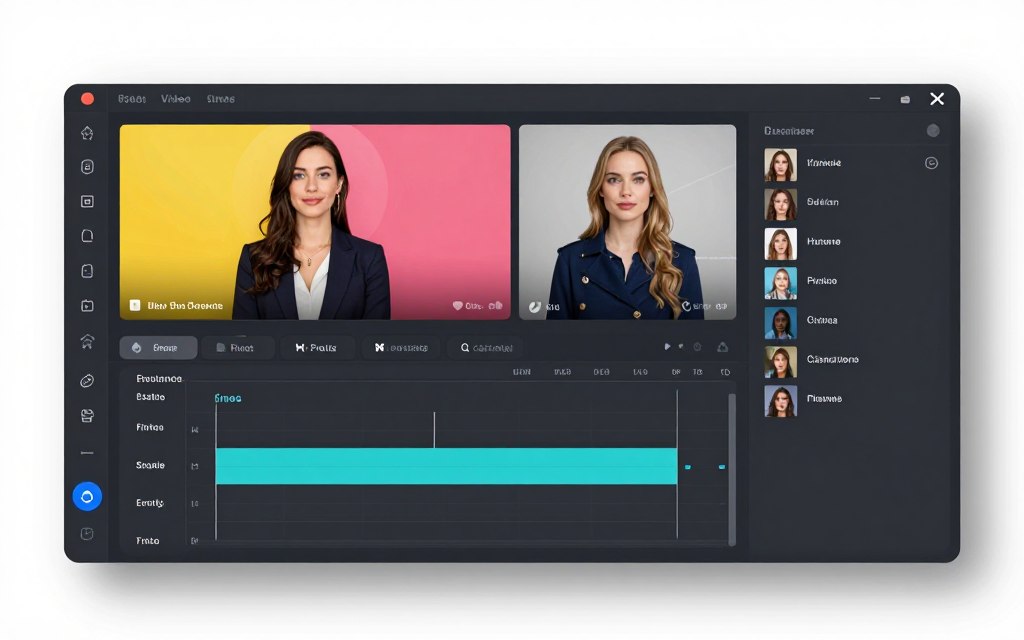
Try a faster short-form workflow
Use a short recording or existing footage to test captions, cuts, and export quality before committing to a paid plan.
Manus: Best for AI-Assisted Content Workflows
Manus is a strong option for creators who want more than a basic timeline. Its appeal is the idea of assigning content tasks to an AI system and then reviewing the result. This can help with planning, scripts, visuals, and repeatable production workflows.
Key features
- AI support for planning and production tasks
- Script and content generation assistance
- Workflows that combine text, visuals, and video
- Support for repeatable creator projects
- Potential time savings for multi-step tasks
Pros and cons
Pros
- Useful for creators managing several tasks
- Can reduce repetitive planning work
- Suitable for experiments with AI generation
Cons
- Results still need human review
- Credit use can vary by task and generation
- May feel less direct than a standard video editor
Pricing overview
Manus pricing may depend on access level, credits, or the amount of AI generation included. Review the current plan page carefully. If your workflow uses several visual or script generations, calculate the expected monthly credit demand before upgrading.
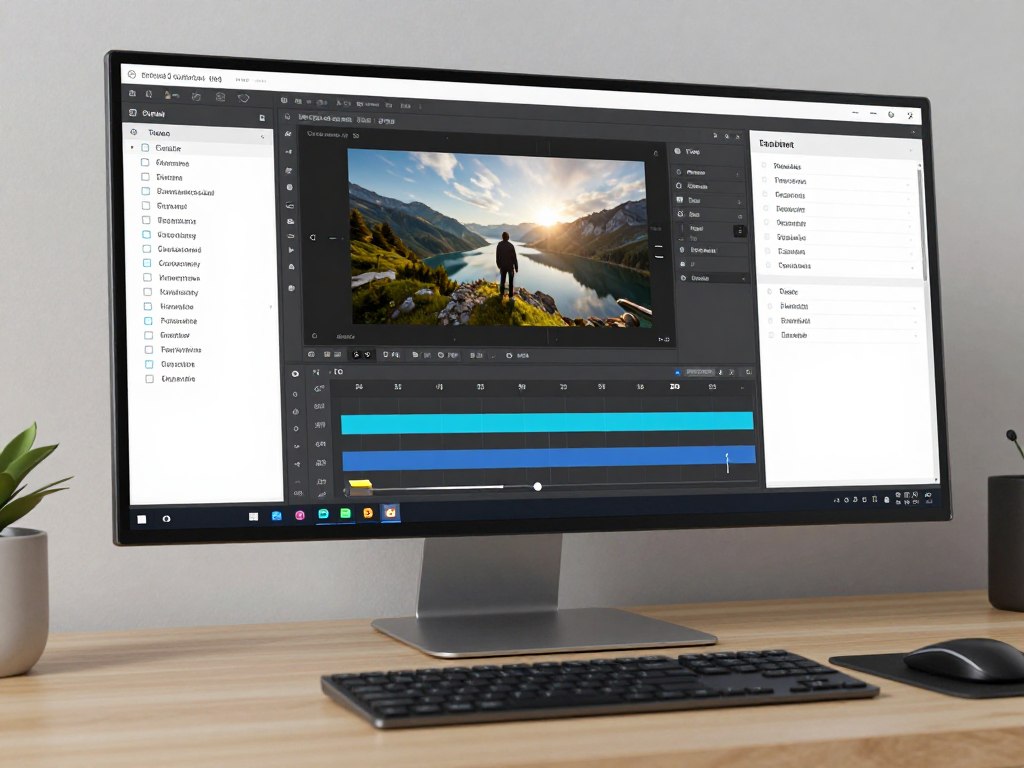
Test one complete content workflow
Start with one video brief. Measure the time saved across scripting, visuals, editing, captions, and export instead of judging the tool from one generated clip.
Vimeo: Best for Business Video and Team Publishing
Vimeo is a practical choice for creators who need video editing alongside hosting, sharing, review, and publishing. It can suit marketers, educators, agencies, and internal teams that need a reliable video platform rather than a single-purpose editor.
Key features
- AI-supported video creation and editing features
- Video hosting and presentation tools
- Review and collaboration options
- Captions, text, and presentation controls
- Support for marketing and business content
Pros and cons
Pros
- Strong option for organized business video
- Combines editing with publishing workflows
- Useful for teams that share feedback
Cons
- May offer more platform features than a solo creator needs
- Paid plans can be less attractive for occasional users
- Advanced production needs may require another editor
Pricing overview
Vimeo plans vary by storage, collaboration, privacy, publishing, and account features. Plans start at different levels depending on the current offer and billing cycle. Confirm storage, team seats, privacy settings, and AI allowances before selecting a plan.

Choose a platform for publishing and collaboration
Vimeo is worth testing when hosting, review, privacy, and team workflows matter as much as the edit itself.
Descript: Best for Podcasts and Talking-Head Video
Descript is built around a text-based approach to video editing. Instead of working only from a timeline, creators can edit a transcript. This makes it especially useful for interviews, podcasts, tutorials, webinars, and other videos where spoken words drive the story.
Key features
- Transcript-based video editing
- Automatic transcription and subtitles
- Silence and filler-word removal
- Audio improvement and voice tools
- Screen recording and presentation workflows
Pros and cons
Pros
- Very effective for spoken content
- Easy to edit a video by changing text
- Good starting point for podcast creators
Cons
- Not the best fit for complex visual storytelling
- AI voice and transcription use may consume limits
- Some creators may prefer a traditional timeline
Pricing overview
Descript commonly separates free access from paid plans that add transcription, media, export, and AI limits. Plans start at different levels based on billing and feature changes. Check monthly transcription time, AI credits, watermark rules, and export quality before subscribing.
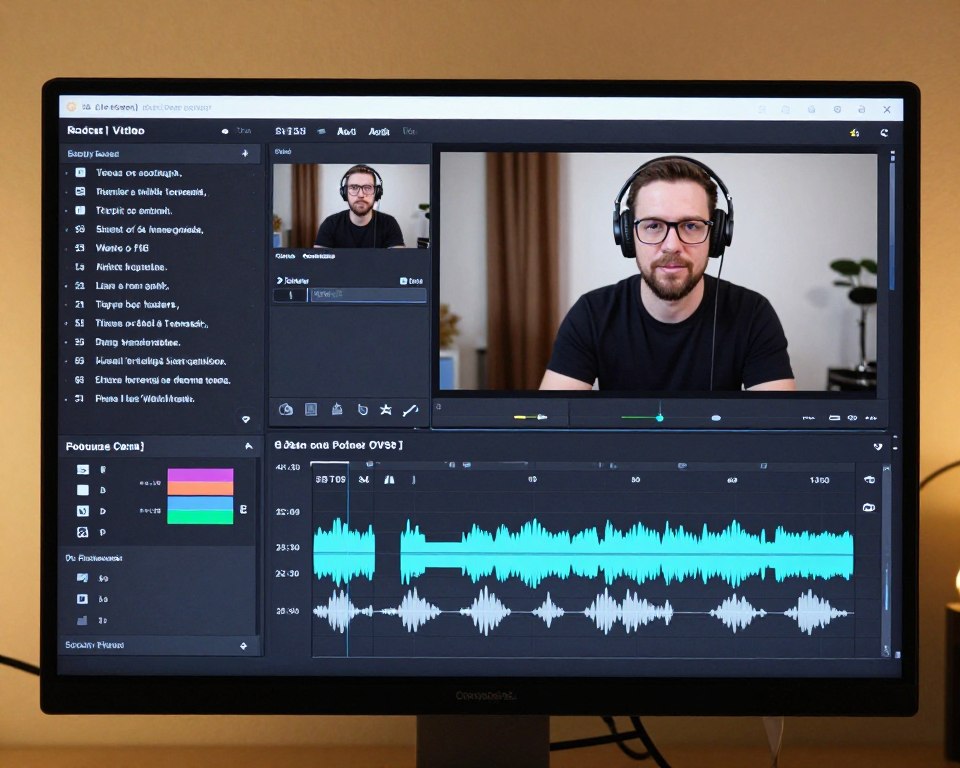
Edit your next recording from the transcript
Descript is a strong test for podcasts, interviews, and tutorials. Use a short recording to check transcription accuracy and audio cleanup.
CapCut: Best for Mobile-First Social Content
CapCut is a popular starting point for creators who make short videos for TikTok, Instagram, YouTube Shorts, and similar platforms. Its appeal comes from accessible editing tools, templates, effects, captions, and a workflow that feels familiar to social creators.
Key features
- Mobile and desktop video editing
- Templates, transitions, and visual effects
- Automatic captions and text animation
- Background removal and subject effects
- Quick exports for social platforms
Pros and cons
Pros
- Friendly starting point for beginners
- Large selection of effects and templates
- Fast workflow for short social videos
Cons
- Template-heavy edits may look less distinctive
- Some features can vary by platform or region
- Advanced professional editing may need another tool
Pricing overview
CapCut offers free access alongside paid features or subscriptions that can change over time. Check export settings, premium effects, cloud storage, commercial use, and account requirements. Do not assume that a feature available in the app is included in every plan.

Create one short video on your phone
CapCut is a useful starting point if you want templates, captions, and effects without a long learning curve.
Buying Guide: Choose Video Editing Software by Budget and Skill
The right editor depends on how often you create, where you publish, and how much control you need. A free plan can be enough for casual projects. A paid plan can save time when video is part of your weekly work.
Best options for a limited budget
Start with a free plan when you are learning or making occasional videos. Look for watermark-free export, usable resolution, basic captions, and enough storage for your footage. CapCut can suit social beginners, while Descript can be a better choice for spoken content.
Free plans often include limits. These may affect credits, export quality, transcription time, storage, or premium effects. Test the exact workflow you need before building a content system around a free tool.
Best options for intermediate creators
Intermediate creators should prioritize speed and repeatability. Choose software that saves project templates, supports brand text and color, creates captions quickly, and exports the same content in several formats.
ChatCut can be useful for high-volume short-form work. Descript is more suitable when editing words, interviews, or audio is central to the workflow.
Best options for teams and businesses
Teams need more than editing features. They should review permissions, collaboration, review comments, privacy, publishing, storage, and brand consistency. Vimeo is a strong candidate when video must move through an organized business workflow.
Best options for advanced editors
Advanced users should check timeline control, color tools, audio mixing, keyframes, effects, codecs, project organization, and export settings. AI should speed up repetitive tasks without removing manual control.

Match the tool to the work you do most often.
Choose by intended content type
- ChatCut for fast edits
- CapCut for mobile effects
- Automatic captions and resizing
Short social clips
- Descript for transcript editing
- Audio cleanup and subtitles
- Easy removal of pauses
Podcasts and tutorials
- Vimeo for publishing workflows
- Team review and privacy
- Organized content management
Business video
Make your shortlist in three steps
Pick your main content type, set a monthly budget, and test one real project in two tools. The better editor is the one that produces a useful result with less rework.
CTA Strategies That Work for This Search Intent
Readers searching for the best AI video editing software are usually comparing options, not searching for a general definition. They want evidence that a tool can solve a specific problem. A CTA should therefore appear after useful proof.
Use a benefit-led button
“Try the editor” is clear, but a more specific action can perform better. Examples include “Create a short clip,” “Test transcript editing,” and “Explore business video tools.” These phrases set an accurate expectation.
Place CTAs after decision points
The best placements are after the quick table, each detailed review, the buying guide, and the conclusion. This gives readers several chances to act without placing a button in every paragraph.
Match tone to buyer readiness
Cold visitors respond better to neutral language such as “Explore features.” Warm visitors can receive stronger copy such as “Start your free plan.” A purchase-focused CTA should appear only after pricing, limitations, and use cases are clear.
Reduce pricing uncertainty
Pricing is a major objection in software comparisons. Mention whether plans start monthly, whether credits apply, and which limits matter. Link to the official product page so readers can verify current details.
Use honest comparison language
Calling every tool “the best” weakens trust. Assign each product a clear role. A reader is more likely to click when the recommendation reflects their actual workflow.
Frequently Asked Questions About AI Video Editors
What is the best AI video editing software for beginners?
CapCut is a practical starting point for mobile-first social creators. Descript is easier for beginners who mainly edit podcasts, interviews, and talking-head videos. The best choice depends on the content format you create most often.
Can AI video editors replace professional editing?
They can replace many repetitive tasks, such as captioning, silence removal, rough cuts, and resizing. Professional editing may still require manual color, audio, effects, footage selection, and quality control.
Are free video editing tools good enough?
Free tools can work well for short videos and early projects. Check watermarks, export quality, storage, premium effects, usage rights, and monthly limits before relying on one for client or business content.
How much do AI video editing plans cost per month?
Plans start at different levels and may use subscriptions, credits, storage limits, or feature tiers. Review the current official pricing page for exact US costs. Estimate your monthly video volume before choosing a plan.
What should I test before subscribing?
Test one real project from import to export. Review captions, audio, footage quality, generation limits, text controls, export speed, and the amount of manual editing needed to fix the result.
Final Recommendation: Start With the Workflow You Need Most
The best AI video editing software is not the tool with the longest feature list. It is the one that fits your content, skill level, budget, and production schedule.
Choose ChatCut when speed and short-form editing are your main goals. Choose Manus when you want AI support across planning and production tasks. Choose Vimeo when publishing, privacy, and team review matter. Choose Descript for podcasts and spoken content. Choose CapCut for accessible mobile-first social editing.
Before paying, create one real project. Check the quality of the first edit, captions, audio, visuals, export, and final manual adjustments. Then compare the time saved with the monthly price.
Choose one tool and test it today
Start with the product that matches your main video format. A focused trial will tell you more than a long feature list.