
The best budgeting apps can turn scattered transactions into a clear plan. They can show where money goes, remind you about upcoming bills, and help you make progress toward savings or debt payoff.
But no single app is right for every household. Some users want envelope budgeting. Others prefer zero-based budgeting, automatic tracking, subscription alerts, or a shared dashboard for two people.
This guide compares leading choices for US users. It focuses on useful features, account-linking methods, security, pricing, and the type of person each app may suit best.
Best budgeting apps: quick comparison for US users
The table below gives a starting point. Features, prices, free trials, and account connections can change. Check the provider’s current terms before opening an account or starting a subscription.
| App | Main features | Best for | Pricing approach |
| YNAB | Zero-based budgeting, goal planning, spending categories, and education. | Users who want an active, every-dollar plan. | Paid subscription with trial availability subject to current terms. |
| Monarch Money | Account aggregation, budgeting, net worth tracking, goals, and household collaboration. | Couples and users who want a broad financial dashboard. | Paid subscription; confirm current monthly and annual options. |
| Rocket Money | Spending tracking, subscription management, bill negotiation features, and alerts. | Users focused on recurring charges and cash-flow control. | Free and paid features may differ; review current terms. |
| Goodbudget | Envelope budgeting, household sharing, and manual planning. | People who prefer a digital envelope system. | Free plan and paid plan options may be available. |
| PocketGuard | Spending overview, recurring bills, cash-flow views, and savings support. | Users who want a simplified view of available spending. | Free and premium access can vary by platform and offer. |
Want a fast starting point?
Use the comparison above to narrow the list, then read the matching review before connecting any financial accounts.
How we evaluate a budgeting app
A useful budget app should do more than display a colorful dashboard. It should help users make decisions before money leaves their account. We assess each option against practical personal finance needs.
Budget method
The right method should fit the way you think about money.
- Zero-based budgeting for detailed planning.
- Envelope budgeting for spending limits.
- Flexible categories for changing expenses.
- Shared plans for couples or families.
Account connections
Automatic imports can save time, but users should understand the connection.
- Supported bank accounts and credit cards.
- Secure connection partners and permissions.
- Manual entry when a bank is unsupported.
- Refresh timing and transaction review.
Value and control
A low price is not enough if the tool does not support your goals.
- Free access versus a free trial.
- Monthly or annual subscription cost.
- Debt payoff and saving features.
- Privacy settings and data controls.

YNAB: best budget app for zero-based budgeting
YNAB is designed for people who want to assign available money to specific jobs. Instead of only reviewing past spending, the method asks users to plan for bills, goals, and flexible expenses before spending occurs.
How YNAB links financial accounts
Users can typically connect supported bank accounts and credit cards through the app’s account-linking process. Imported transactions may need review before they are assigned to categories. Manual entry is also useful when a connection is delayed or when a user wants immediate records.
Before connecting an account, check the institution list, permission screen, and current synchronization terms. A connection should be limited to the accounts needed for the budget.
Security and privacy considerations
Review the provider’s current security documentation, authentication options, data-use disclosures, and deletion process. Use a unique password and enable multifactor authentication where available. Do not share banking passwords outside the approved connection flow.
Pros, cons, and pricing
Pros
- Strong zero-based budgeting structure.
- Helpful planning for irregular expenses.
- Clear categories and spending targets.
- Useful education for new budgeters.
Cons
- Requires active participation and regular review.
- May feel demanding for users who want passive tracking.
- Paid access should be compared with the value you expect.
- Some account connections may need troubleshooting.
YNAB is generally positioned as a paid subscription service, with trial terms that can change. Compare the current per month price with your expected savings and planning benefit. A subscription is not automatically worthwhile if you will not review the plan.
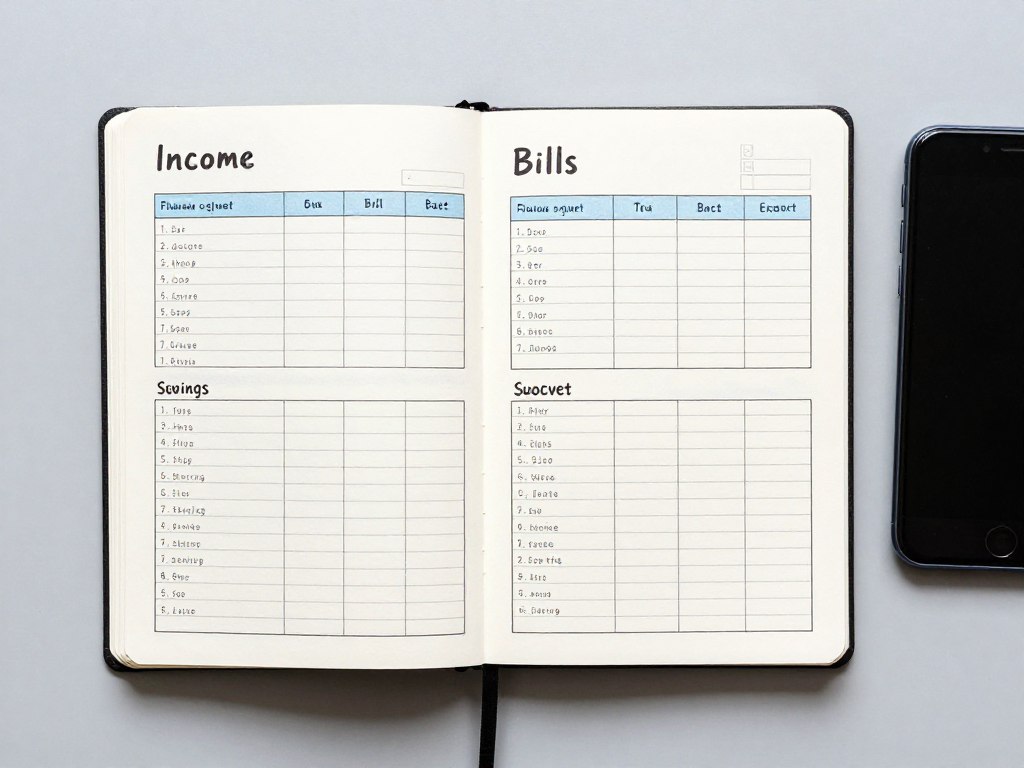
Build an every-dollar plan
Choose YNAB if you are ready to give each dollar a job and review your plan throughout the month.
Monarch Money: best budgeting app for couples and net worth
Monarch Money combines budgeting with a wider view of personal finance. It can suit users who want to see spending, goals, investments, liabilities, and net worth in one dashboard.
How Monarch Money links financial accounts
The service generally uses secure aggregation connections to import supported bank accounts, credit cards, investments, loans, and other financial accounts. Users should confirm that their institutions are supported before subscribing. Imported transactions may need category edits or account-specific rules.
Couples should decide which accounts to connect and whether both people need access. Shared financial planning works best when the household agrees on categories, privacy boundaries, and review responsibilities.
Security and privacy considerations
Read the current privacy notice and security information before connecting accounts. Look for authentication controls, encryption statements, permission details, and a clear process for removing connections. Use device security as well as account security.
Pros, cons, and pricing
Pros
- Broad dashboard for spending and net worth.
- Useful for household collaboration.
- Supports goals and recurring expenses.
- Can reduce the need for several separate tracking tools.
Cons
- Users may pay for features they do not need.
- Automatic categories may require corrections.
- Some institutions can have connection limits.
- It is less focused than a strict envelope system.
Monarch Money is commonly offered through a paid subscription. Pricing may be shown per month or through a discounted annual option. Verify the current price, trial terms, and renewal details before entering payment information.
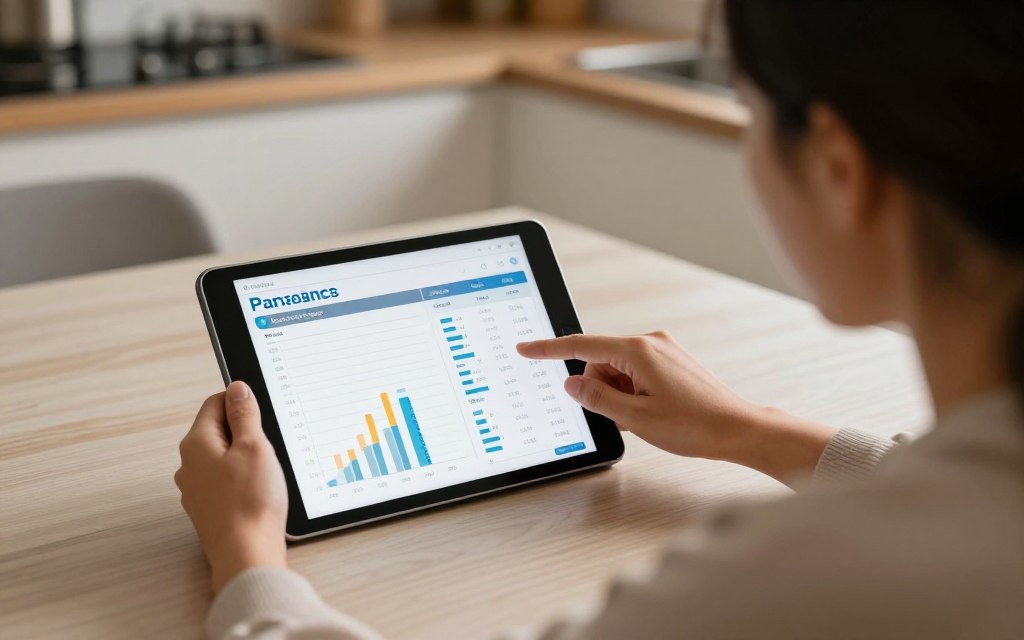
Coordinate household finances
Explore Monarch Money if both partners want one place for budgets, financial accounts, goals, and net worth.
Rocket Money: best budget app for subscriptions and recurring bills
Rocket Money is aimed at users who want more visibility into recurring charges. That makes it a practical option for people who suspect that unused subscriptions, price increases, or forgotten bills are weakening their monthly plan.
How Rocket Money links financial accounts
Users can generally connect supported bank accounts and credit cards to import transactions. The app can then identify recurring patterns, although users should review every detected charge. A recurring transaction may be a bill, membership, transfer, or irregular purchase that only looks consistent.
Security and privacy considerations
Review the current connection process, privacy policy, and permissions before linking accounts. Use the official app or website, keep login details private, and check connected accounts periodically. Remove access for accounts that are no longer needed.
Pros, cons, and pricing
Pros
- Useful focus on subscriptions and recurring bills.
- Can help users review monthly cash flow.
- Alerts may draw attention to changes in charges.
- Simple entry point for people new to budgeting.
Cons
- Not a full replacement for detailed zero-based budgeting.
- Detected recurring charges need human review.
- Some services and features may require payment.
- Negotiation-related features may have separate terms.
Rocket Money may offer free access alongside premium features. Do not treat a free download as the same as free budgeting in every feature area. Read the plan details, renewal terms, and any fee information before selecting an upgrade.
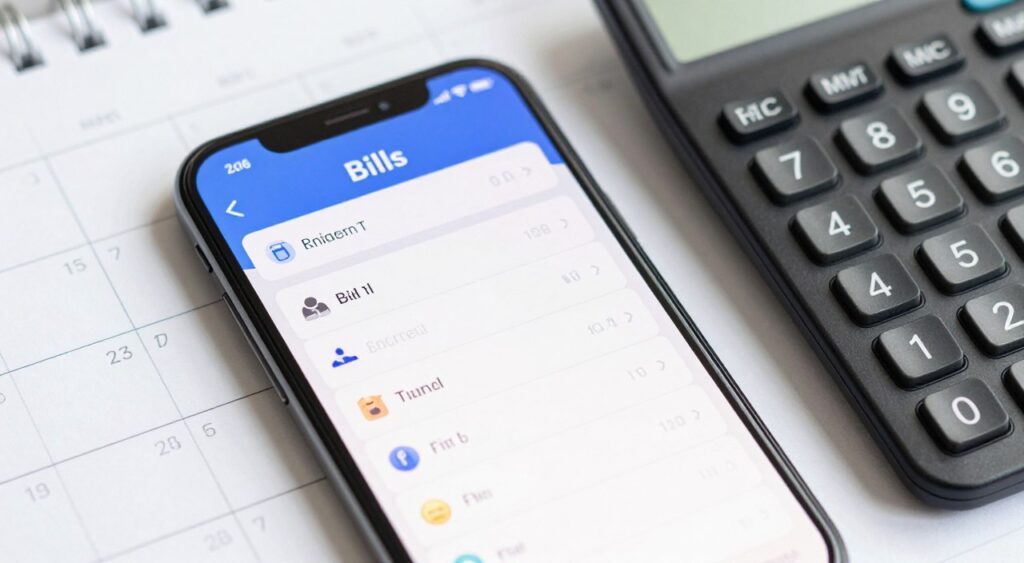
Review recurring charges
Choose Rocket Money if subscriptions and recurring bills are the first spending problem you want to investigate.
Goodbudget: best budget app for envelope budgeting
Goodbudget follows the envelope budgeting concept. Users assign planned amounts to digital envelopes, such as groceries, fuel, entertainment, or gifts. This can make spending limits easier to understand than a long transaction list.
How Goodbudget links financial accounts
Goodbudget may rely more heavily on manual planning and entry than apps built around automatic aggregation. Check its current support for bank imports, account synchronization, and household sharing. Manual entry can take more effort, but it may also encourage users to notice each transaction.
Security and privacy considerations
Review the provider’s current privacy and security information. If you use manual entry, avoid recording full account numbers, passwords, or sensitive authentication details in notes. Protect the device and use the strongest available account security.
Pros, cons, and pricing
Pros
- Clear envelope budgeting structure.
- Useful for fixed spending limits.
- Can support conversations about shared money.
- Manual planning may improve spending awareness.
Cons
- Manual work may be too slow for some users.
- Automatic account features can differ from larger aggregators.
- Not designed as a complete investment dashboard.
- Envelope categories need regular maintenance.
Goodbudget may provide free budgeting access with additional paid features. Confirm the current number of envelopes, devices, accounts, and synchronization options included in each plan. Compare the cost with how often you will use the system.
Set practical spending limits
Consider Goodbudget if envelope budgeting helps you decide how much each category can spend before the month begins.
PocketGuard: a simple view of available spending
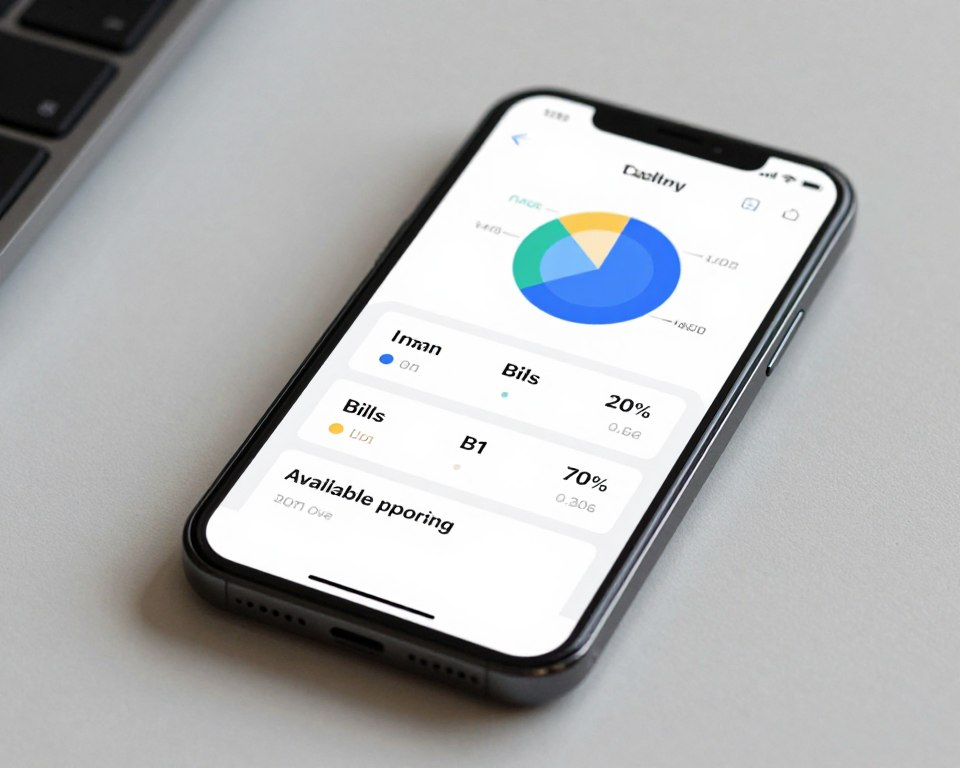
PocketGuard is designed for users who want a simpler relationship with their budget. Its value depends on how well the app presents income, recurring expenses, categories, and available money in one view.
How PocketGuard links financial accounts
Supported users can generally connect bank accounts and credit cards through an approved linking process. Review imported transactions, recurring bills, and category labels before relying on the available-spending figure. A budget is only as accurate as the information and assumptions behind it.
Security and privacy considerations
Check current information about encryption, authentication, aggregation partners, and data retention. Connect only the accounts needed for your stated goal. Keep your operating system, app, and password manager updated.
Pros, cons, and pricing
Pros
- Simple overview for everyday spending.
- Can organize bills and recurring expenses.
- Helpful for users who dislike complex dashboards.
- May support savings and cash-flow planning.
Cons
- Advanced planners may want more category control.
- Account compatibility should be checked first.
- Premium features may sit behind a subscription.
- Available-spending estimates require regular review.
PocketGuard can include free and premium access, depending on the current offer and platform. Confirm whether the feature you need is included without payment. A free trial is temporary access, not a permanent free plan.
Keep your budget simple
Look at PocketGuard if you want a streamlined view of bills and available spending rather than a detailed planning system.
Free budgeting options: what to check before signing up
Many readers search for free budgeting because they want to improve money habits without adding another monthly bill. Free access can be useful, but the label may describe only basic features, a limited number of accounts, or a temporary trial.
Free plan versus free trial
- A free plan does not normally expire, but its features may be limited.
- A free trial usually ends after a set period and may convert to paid access.
- A promotional price may apply only to the first billing period.
- An app download may be free while important budgeting tools require payment.
Questions to answer before connecting accounts
- Does the app support your bank accounts and credit cards?
- Can you export transactions or close the account?
- Does the app need read-only access, or does it request other permissions?
- What happens to your data if you stop using the service?
- Are bill reminders, debt payoff tools, or shared access included?
Practical rule: Start with one financial goal. Connect only the accounts needed to measure that goal, then review the results before adding more data.
How to choose the right budgeting app for your saving goals
The best budget is one you can use consistently. Start with the result you want, then select the app method that makes that result easier.
If you want to track spending
Choose an app with reliable transaction imports, flexible categories, and a dashboard you will open often. Automatic tracking is useful, but category errors can hide the truth. Spend a few minutes each week checking transactions.
If you want zero-based budgeting
Look for a system that lets you assign available money to bills, savings, debt, and flexible expenses. YNAB is the clearest match in this roundup because its method centers on giving every dollar a purpose.
If you want envelope budgeting
Choose a tool that displays separate category balances and spending limits. Goodbudget may suit users who enjoy visible envelopes and do not mind more manual entry.
If you want debt payoff
Select an app that shows balances, interest rates, minimum payments, and target dates. A budgeting app can support debt payoff, but it does not replace a repayment strategy. Compare the avalanche and snowball methods, then direct planned extra money toward the chosen debt.
If you want to save money
Look for goal categories, sinking funds, reminders, and recurring transfers. Separate short-term goals from emergency savings. Do not count money as saved until the transfer is complete and the balance is visible.
If you want to manage subscriptions
Choose a service that helps identify recurring charges and price changes. Rocket Money is the most direct fit in this roundup. Still, cancel services through the merchant when required and verify that the charge has stopped.
If you share finances with a partner
Look for shared access, household categories, and separate account visibility. Monarch Money is a strong choice for a broad shared dashboard. Agree on who reviews transactions, how categories work, and which accounts remain private.
- Choose category limits.
- Review transactions each week.
- Use reminders for upcoming bills.
Goal: control spending
- Create separate savings goals.
- Schedule realistic transfers.
- Track progress each month.
Goal: build savings
- List balances and rates.
- Protect minimum payments.
- Direct extra money to one target.
Goal: pay debt
Match the tool to the goal
Choose one priority for the next month. The best budget app is the one that makes that priority visible and repeatable.
Account linking, security, and privacy checklist
Connecting financial accounts can save time, but convenience should not remove caution. A budgeting app may use a third-party data connection service to retrieve balances and transactions. Read the permission screen before approving access.
Before you connect a bank
- Confirm that you downloaded the official app or visited the official website.
- Check the provider’s privacy policy and security page.
- Review the institutions supported by the connection process.
- Use a unique password and multifactor authentication when available.
- Connect only the financial accounts needed for your budget.
After you connect financial accounts
- Review imported transactions and account balances.
- Correct categories that could distort your spending plan.
- Watch for duplicate transactions or delayed updates.
- Remove unused connections and update your password if needed.
- Contact the app through its official support channel for problems.
Important: No budgeting app can guarantee that every transaction will import correctly or that every bank will remain supported. Keep checking statements from your financial institution.
What the top-ranking pages do well with CTAs
The ranking pages from NerdWallet, WalletHub, and Chime serve mostly B2C readers who are researching a financial product. The audience is usually cold or warm rather than ready to purchase immediately. Visitors want reassurance, comparisons, pricing context, and a clear next step.
NerdWallet
Primary goal: Inform and support product discovery. The likely conversion path uses recommendations, links to providers, and related financial education.
CTA type and format: Native product links, review-card buttons, and commercial comparison elements. The CTA is strongest after the reader has seen the app’s use case and limitations.
Tone and audience alignment: Neutral and advisory. The audience wants an independent explanation before visiting a product page. The page reduces uncertainty through editorial context and comparison detail.
WalletHub
Primary goal: Inform through a broad comparison while encouraging readers to explore financial products and tools.
CTA type and format: Product links and comparison-oriented actions. Clear placement near recommendations helps a reader move from research to a provider page without completing a long form.
Tone and audience alignment: Practical and accessible. The audience includes users at the early research stage who may compare several apps before choosing one.
Chime
Primary goal: Educate readers about budgeting while introducing a broader digital banking offer.
CTA type and format: Brand-linked buttons and in-text prompts that can lead toward registration or product exploration. The CTA is most effective when it follows a problem the brand can plausibly address.
Tone and audience alignment: Friendly and consumer-focused. The audience may be curious about a banking ecosystem as well as budgeting advice.
Patterns worth applying
- Use links after useful information, not before the reader understands the offer.
- Connect the button label to a product benefit or audience type.
- Keep the action easy: explore, compare, start a trial, or review the official plan.
- Use more than one CTA in a long article, but make every CTA serve a decision point.
- Combine commercial intent with clear disclosures and balanced pros and cons.
Our final recommendations
Choose YNAB if your main need is zero-based budgeting and you are willing to plan actively. Its method is structured, which can help users who want stronger control over every dollar.
Choose Monarch Money if your household wants budgeting, goals, financial accounts, and net worth in one place. It is especially relevant for couples who need shared visibility.
Choose Rocket Money if recurring bills and subscriptions are the main source of uncertainty. It can be a useful first step before building a more detailed monthly plan.
Choose Goodbudget if envelope budgeting feels natural and you are comfortable with more manual work. It may be a good fit for users who want spending limits that are easy to see.
Choose PocketGuard if you prefer a simplified view of bills, expenses, and available spending. Confirm that its current account support and premium features match your needs.
Best for zero-based budgeting
YNAB offers the clearest active planning method in this guide.
Best for couples
Monarch Money provides a broad household financial view.
Best for subscriptions
Rocket Money focuses on recurring charges and bill awareness.
Best for envelopes
Goodbudget makes category limits visible and practical.
Best budgeting apps FAQ
What is the best budget app for beginners?
The best choice depends on how much structure you want. PocketGuard may feel simple, while YNAB can teach a more active method. Start with one goal and choose the interface you will review consistently.
Are budgeting apps safe to use?
Safety depends on the provider, connection method, account security, and your own device practices. Review privacy information, use multifactor authentication, and connect only the accounts needed.
Can a budgeting app help with debt payoff?
Yes. A budgeting app can organize balances, minimum payments, and extra cash. It does not remove interest or guarantee a payoff date, so verify figures against lender statements.
Is free budgeting better than a paid subscription?
Not always. A free plan may be enough for basic tracking, while a paid service may offer better planning or household features. Compare the per month cost with the value you will use.
Should I connect all my bank accounts?
No. Connect only the accounts needed for the current budgeting goal. You can add accounts later after checking the provider’s security, privacy, and account-removal process.
Take the next step with the best budgeting apps for your goals
Start by naming the problem you want to solve. Choose YNAB for zero-based budgeting, Monarch Money for shared financial planning, Rocket Money for subscriptions, Goodbudget for envelopes, or PocketGuard for a simpler cash-flow view.
Before registering, confirm the current price, trial terms, supported institutions, privacy practices, and security controls. Then connect only the accounts needed for your first goal and review your transactions each week.
Choose one app and begin with one goal
A budgeting tool becomes useful when it supports a repeatable habit. Select your strongest match, review the official terms, and create your first plan today.